Stop Scrolling, Start Growing: Tools to Automate Your Social Media Success
You’re posting consistently, replying to comments, and trying to stay visible across too many platforms at once. But profile views stay flat, inbound leads don’t show up, and the daily grind starts to feel like unpaid busywork. That usually isn’t a motivation problem. It’s a tooling problem.
Many teams don’t need another scheduler. They need an effective advantage. In practice, the best social media growth tools handle different jobs: publishing, analytics, listening, engagement, outreach, and safety. Trying to force one tool to do all of it usually creates a messy workflow and mediocre results.
That matters even more now because social media is too big to manage manually. Global social media usage reached 5.42 billion monthly active users in 2025, equal to 64% of the world’s population, and the average person spends 2 hours and 21 minutes per day on social networks while engaging on 6.83 platforms daily, according to Social media statistics for 2025. If your process still depends on “remembering to engage,” you’re already behind.
The smarter approach is to build a stack. Use one tool to keep content moving. Use another to spot trends and report performance. Then add a targeted engagement layer that helps you show up in the right conversations without living inside LinkedIn or X all day.
If you’re comparing options, this roundup of the best social media automation tools for 2026 focuses on what supports growth, what feels bloated, and where each tool fits.
1. PowerIn
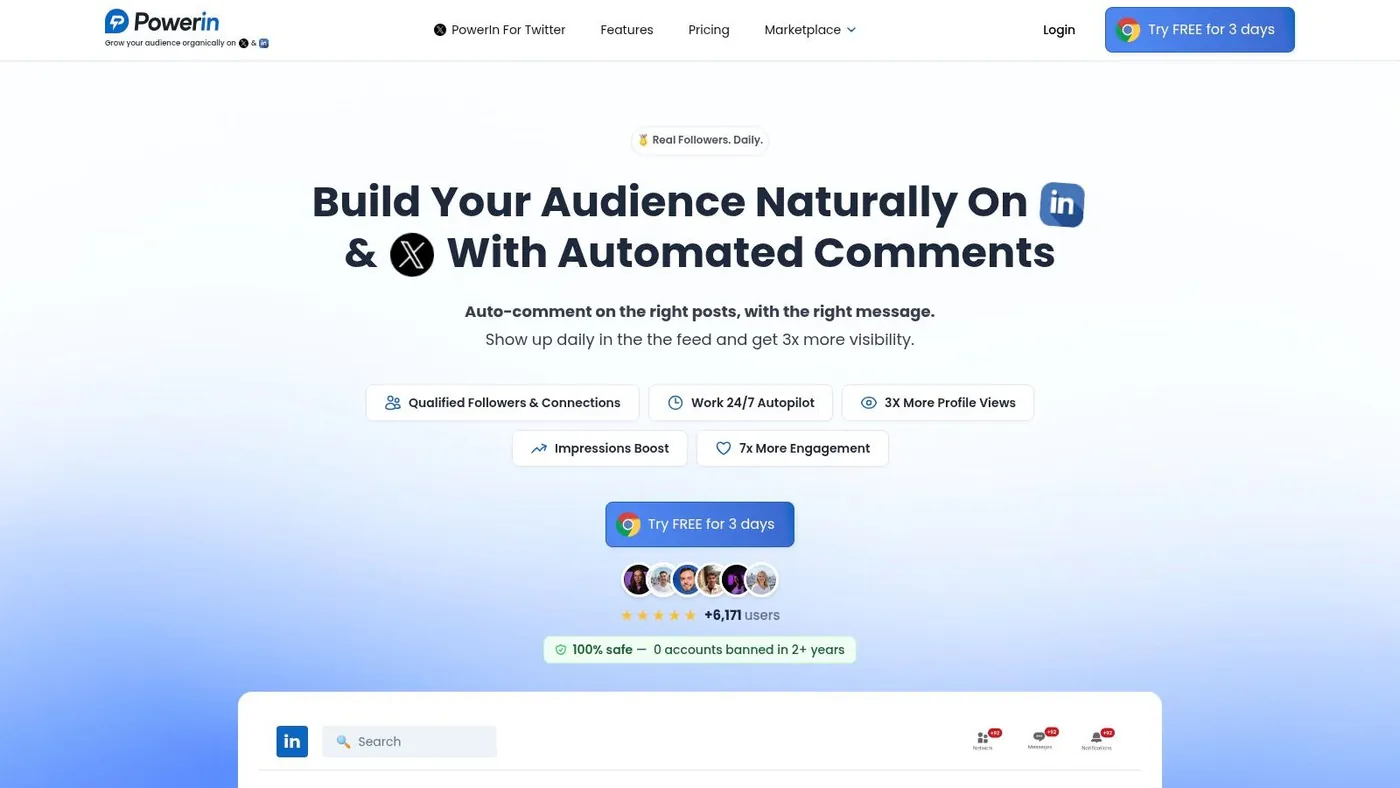
A familiar pattern shows up on B2B teams. Posts go out on schedule, impressions look fine, and nothing meaningful happens afterward. The missing piece is often distribution through engagement, not another publishing queue.
PowerIn is built for that job. It watches for targeted keywords and creator activity on LinkedIn and X, then helps teams respond quickly with contextual comments while the conversation is still getting traction. For founders, sales reps, recruiters, and consultants, that matters because early comment visibility often drives the profile visits and inbound messages that scheduled posts alone do not.
Why it stands out
PowerIn works like an engagement engine. You can set Boolean keyword tracking, follow up to 50 creators, adjust tone and formatting, match the language of the original post, and apply timezone targeting so comments appear during local business hours. Manual approval is available too, which is how I would start in any account tied directly to pipeline.
As noted earlier, LinkedIn remains one of the few channels where thoughtful comments can still compound reach. PowerIn fits that reality better than a standard scheduler because it is designed around showing up in the right threads at the right time.
Practical rule: Automate relevance, not praise. Comments like “Great post” add noise. A specific point, objection, or useful example gives people a reason to click through.
Best fit and trade offs
PowerIn makes the most sense when growth depends on being visible around a defined set of topics, people, or buying signals. That usually includes:
- B2B prospecting: Sales teams can engage around the phrases prospects already use.
- Personal brand growth: Founders, operators, and coaches can stay present without spending hours in the feed.
- Recruiting: Recruiters can join hiring conversations across regions and time zones.
- Global outreach: Language matching and scheduling controls help comments feel more natural.
There are trade offs.
Automation needs supervision, especially early on. Teams that get good results usually start with approval turned on, tighten prompts based on live comments, review what gets responses, and only then allow more autonomy. Volume caps also matter. Agencies or high output teams may run into plan limits faster than they expect.
Safety is another reason PowerIn belongs in a growth stack instead of replacing the whole stack. A scheduler manages publishing. An analytics platform handles reporting. A targeted engagement tool handles visibility in conversations that already have attention. If LinkedIn is a core acquisition channel, it also makes sense to compare specialized LinkedIn lead generation tools for comment led outreach and prospecting before defaulting to a general purpose platform.
PowerIn also includes a Chrome extension, reporting, tutorials, live support, and tiered pricing starting at $59 per month, with higher plans at $99 and $149, plus a free trial and prospect credits.
2. Sprout Social
Sprout Social is what I recommend when a team has already outgrown lightweight tools and needs process, governance, and reporting that won’t fall apart under multiple stakeholders.
It’s built for organizations that need publishing, analytics, inbox management, listening, and approvals in one place. If your CMO wants executive ready reporting and your customer team wants a single inbox, Sprout usually makes sense.
Where Sprout earns its price
The value isn’t just scheduling. It’s structure.
Sprout’s Smart Inbox, tagging, approval flows, and reporting make it easier to run social as an operational function instead of an ad hoc content stream. That matters because the social media analytics market was valued at USD 10,229.8 million in 2024 and is projected to reach USD 43,246.7 million by 2030, growing at a 27.2% CAGR from 2025 to 2030, according to Grand View Research’s social media analytics market report. Teams are spending on analytics because leadership expects clearer answers now.
Sprout is one of the tools that can deliver those answers without exporting half your workflow into spreadsheets.
Where it gets expensive
The downside is familiar. Per seat pricing adds up fast, and some of the strongest features live behind add ons. For a small team, that can feel heavy. For a larger team with approval chains, client reporting, and CRM integrations, it often feels justified.
I wouldn’t use Sprout as a first social tool. I would use it when social has enough internal complexity that “simple” starts costing more than “expensive.”
You can explore the platform at Sprout Social.
3. Hootsuite

Hootsuite is still one of the broadest all in one social media growth tools on the market. If you manage several networks, need inbox coverage, want ad support, and care about enterprise controls, it stays in the conversation for a reason.
What Hootsuite does well is breadth. Publishing, calendar management, inbox, benchmarking, ad boosting, and enterprise integrations all live in one system. That’s useful for teams that hate duct taping together five products.
Best for broad channel coverage
Hootsuite makes the most sense when your work is spread across multiple networks and multiple people. It’s not the prettiest lightweight tool, but it covers a lot of operational ground.
That kind of broad platform strategy also lines up with how budgets are shifting. Social advertising tools are projected to grow from USD 171.8 billion in 2025 to USD 449.7 billion by 2035, according to Future Market Insights on the social advertising tools market. If paid and organic teams need to work from the same system, Hootsuite has a practical advantage.
The real drawback
Complexity.
Smaller teams often buy Hootsuite and then use a fraction of it. If all you need is scheduling and basic analytics, it’s overkill. If you need governance, shared inboxes, and a platform your team can grow into, the extra weight makes more sense.
Use it when you need coverage. Skip it when you need speed.
Website: Hootsuite
4. Buffer
Buffer is the tool I reach for when someone wants to get organized without turning social management into software administration.
It’s simple, clean, and easy to hand off to a founder, freelancer, or small internal team. You can build a posting rhythm quickly, keep a calendar moving, and avoid the clutter that comes with enterprise suites.
Why small teams like it
Buffer keeps the learning curve low. The interface is approachable, the publishing flow is fast, and the per channel model is easier to understand than bloated all in one pricing pages. There’s also a free plan with three channels and 10 scheduled posts per channel, which makes it a practical starting point for lean teams.
That simplicity is the whole point. Buffer isn’t trying to become your social command center. It helps you publish consistently and handle lightweight engagement without slowing you down.
Keep Buffer focused on publishing. If you try to make it your listening platform, reporting hub, and engagement engine, you’ll hit its ceiling quickly.
Where it falls short
Buffer’s analytics are serviceable, not deep. You won’t get serious social listening or in depth competitor intelligence, and that’s usually where teams add a second tool.
That’s why Buffer works well inside a stack. Use it to maintain content consistency, then pair it with a specialized engagement or analytics product when your goals shift from “stay active” to “create pipeline.”
Website: Buffer
5. Agorapulse

Agorapulse usually comes up when a team wants stronger inbox and reporting features than Buffer offers, but doesn’t want to pay Sprout level prices.
That middle ground is where it performs well. You get scheduling, a unified inbox, reporting, collaboration, and agency friendly workflows without quite as much enterprise overhead.
Strong operational fit for SMBs and agencies
Agorapulse is especially practical if you manage client accounts or multiple brands. Assignment flows, saved replies, moderation rules, exports, and labeling are all useful features when several people touch the same account.
Its Priority Inbox is the workhorse. If your team spends more time triaging comments, mentions, and DMs than building content, Agorapulse often feels more immediately useful than flashier tools.
What to watch for
It still scales by user, so team growth raises the bill. Listening is also an add on, which matters if you’re trying to centralize monitoring inside one platform.
That said, for SMBs and agencies that care about workflow discipline and report delivery, Agorapulse often hits a sweet spot. It feels like a working tool, not a demo environment.
Website: Agorapulse
6. SocialBee
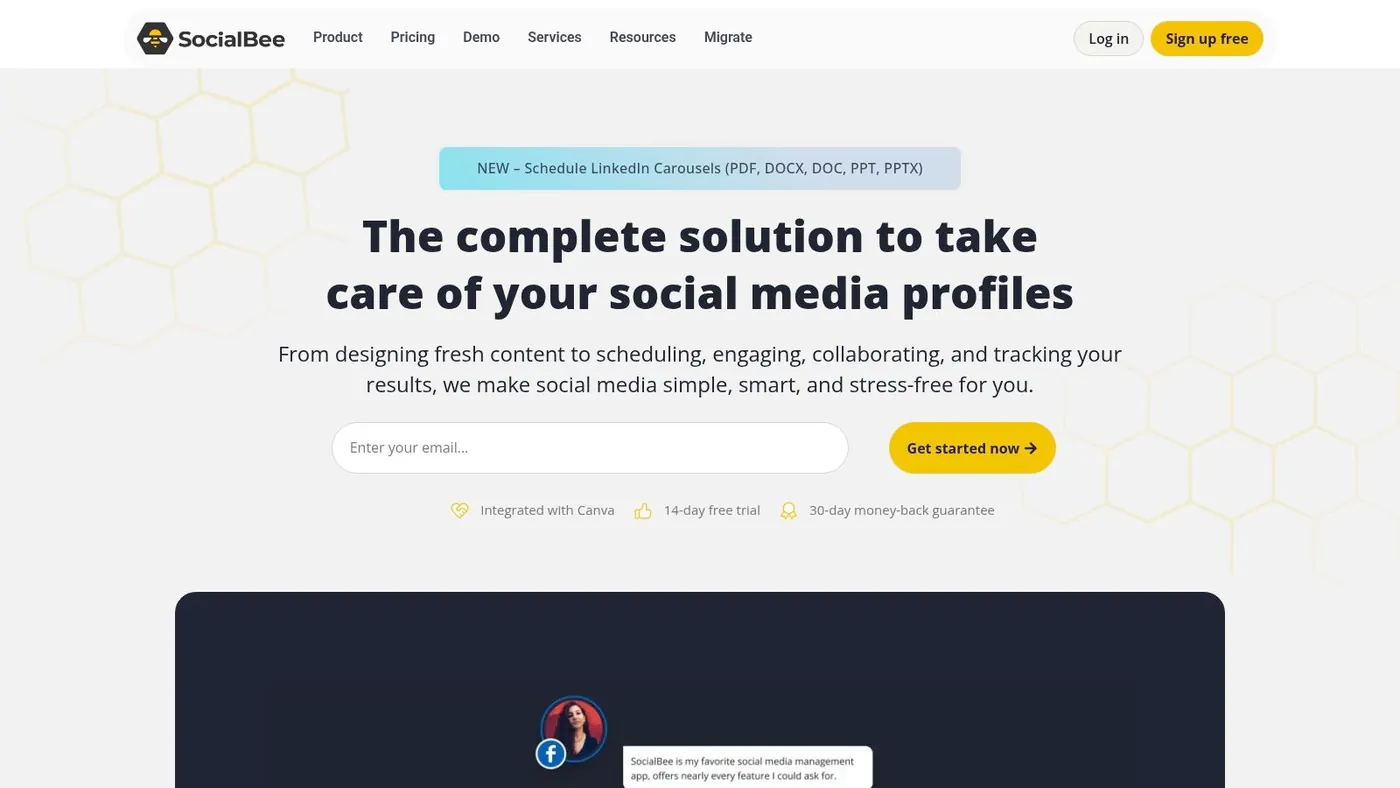
SocialBee is built for people who need structure more than sophistication.
Its category based queues and evergreen recycling are useful for consultants, coaches, local businesses, and small teams that want to stay active without reinventing the calendar every week. If your content pillars are clear, SocialBee makes repetition feel organized instead of sloppy.
Best when consistency is the bottleneck
SocialBee’s strongest feature isn’t AI. It’s the queue system.
You can group content by type, recycle posts that still matter, and keep the feed active without manually rebuilding the schedule. That’s helpful when your best content has a longer shelf life and your problem is consistency, not ideation.
It also supports a wide set of channels, including some that many social media growth tools still treat as secondary.
What it doesn’t solve
If your strategy depends on social listening, brand monitoring, or deeper reporting, SocialBee won’t cover enough ground. It’s better as a content operations tool than as a performance intelligence platform.
That makes it a strong publishing layer inside a broader stack, especially for solo operators who need reliability more than bells and whistles.
Website: SocialBee
7. Metricool
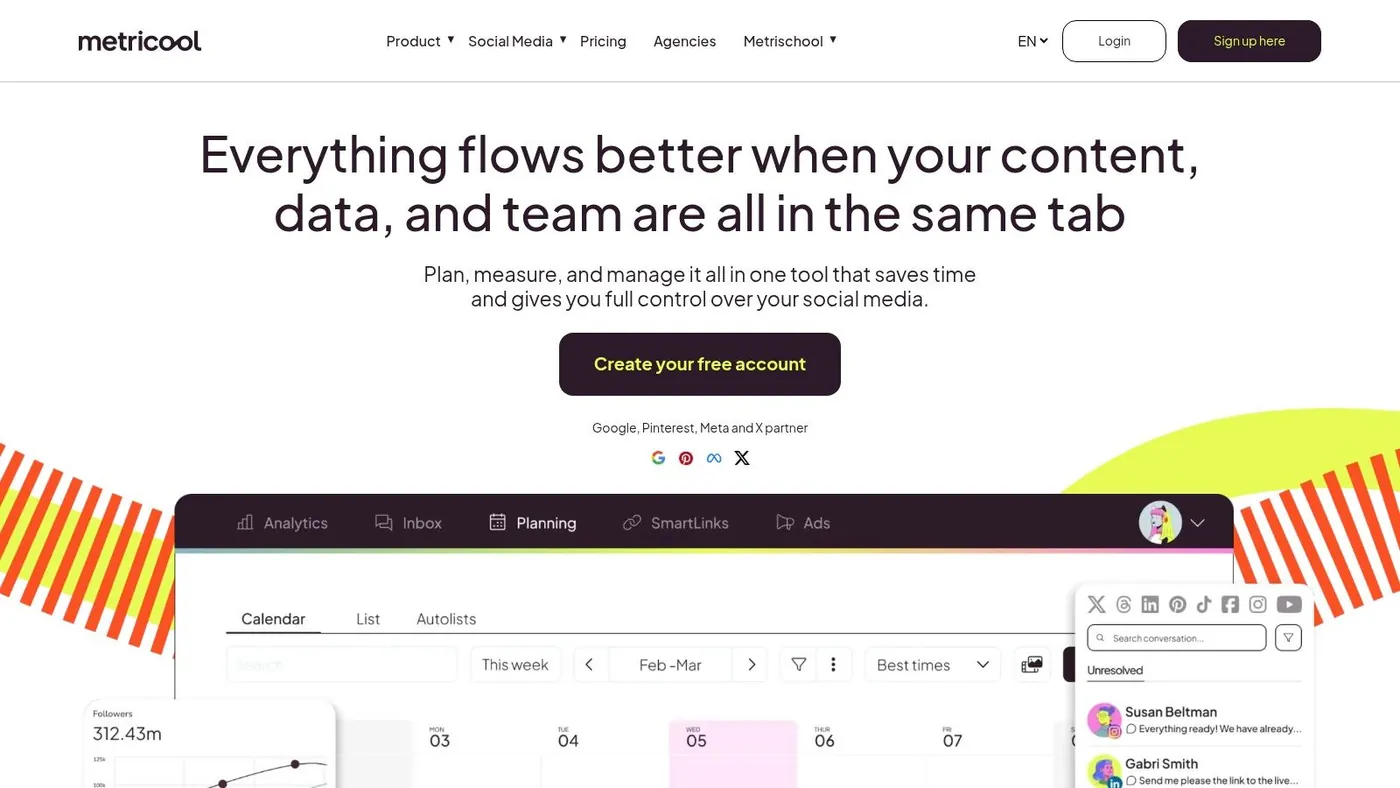
Metricool is the analytics first pick on this list. If your team cares about comparisons, exports, and presenting results across multiple brands, it punches above its weight.
Some tools make analytics feel like a side tab. Metricool makes reporting a core reason to buy.
Why data heavy teams like it
The standout is visibility across brands and competitors, plus strong export options. Agencies and in house marketers who report often will appreciate that immediately.
There’s also a broader industry trend behind this. In the analytics market, software held a 57.6% revenue share in 2024, showing how much teams now rely on tools for real time monitoring and decision support, as noted in the earlier market data source. Metricool fits that shift better than creator first schedulers do.
The trade off
Creation is not the strongest part of the platform. If your workflow starts with ideation, draft collaboration, and AI assisted content shaping, Metricool can feel lighter than some alternatives.
But if reporting quality is your edge, that’s a fine trade. I’d rather use a tool that is excellent at analytics and merely decent at scheduling than one that claims to do both and does neither well.
Website: Metricool
8. Taplio
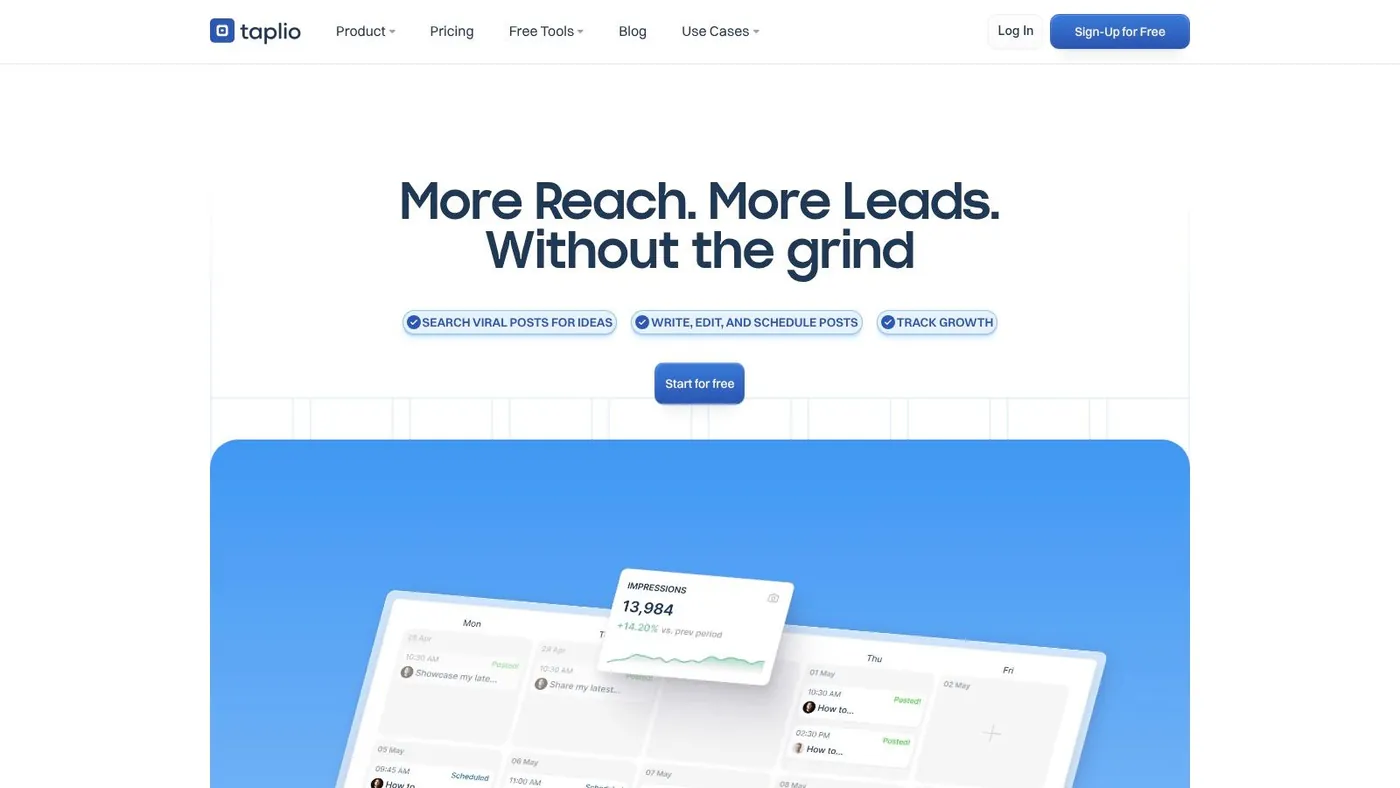
Taplio is for people who live on LinkedIn and want help writing, scheduling, researching, and repurposing content faster.
If your growth strategy is mostly personal brand driven, Taplio can save a lot of time. The hook generator, carousel builder, saved post research, and Chrome extension all support a fast creator workflow.
Where Taplio fits
Taplio is strongest for outbound thought leadership. You can write faster, find inspiration quickly, and stay more consistent on LinkedIn without staring at a blank page every morning.
It also includes engagement and lead oriented features, which is where caution matters. Some operators love all in one LinkedIn growth tools until they realize their automation settings are too aggressive or their messaging starts sounding templated.
“Use Taplio for content velocity. Use stricter tools for engagement safety.”
That’s the practical distinction. If you’re comparing options focused on LinkedIn growth, this Taplio alternative comparison is useful because it separates content assistance from engagement automation.
Main limitation
Taplio is mostly a LinkedIn bet. That’s fine if LinkedIn is your main channel. It’s limiting if your audience also lives on X, Instagram, or elsewhere.
Website: Taplio
9. TweetHunter
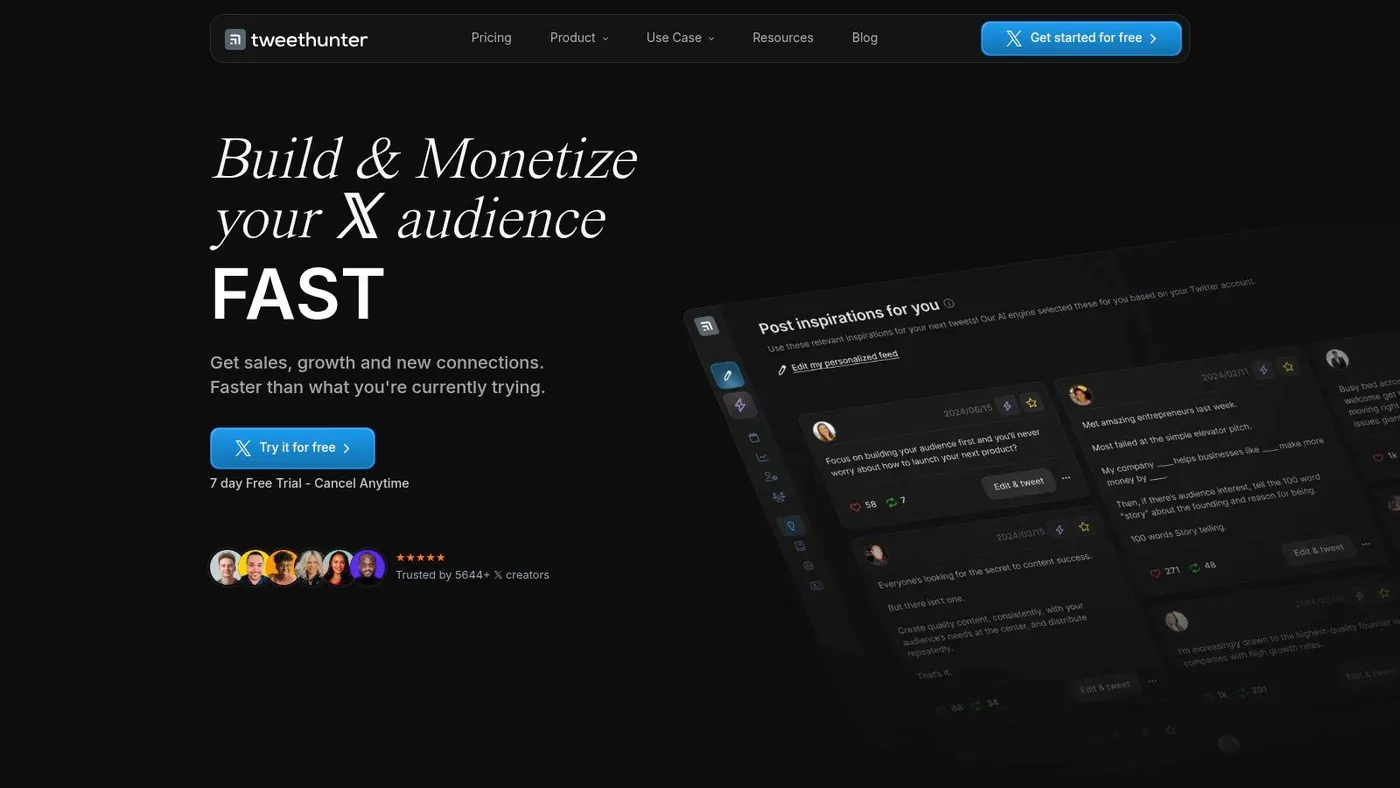
TweetHunter is purpose built for X. That single platform focus is the reason people like it.
The viral content library, AI writing support, thread tools, scheduling, automations, and lightweight CRM features all point toward one use case: growing an audience on X without building your own system from scratch.
Good for creators and operator led brands
If X is where you build audience, test positioning, and drive top of funnel demand, TweetHunter is useful. The inspiration database and thread tooling reduce friction, and the list based engagement setup helps turn random activity into something systematic.
That can matter because newer and more conversational platforms keep gaining relevance. Threads doubled from 130 million to 320 million monthly active users and recorded 322 million downloads in the verified dataset, which signals how fast text first social behavior can shift when people want conversation rich formats. TweetHunter still wins when X is your home base, but it’s worth remembering that platform concentration creates risk.
Main concern
Like many X growth tools, some automations can be overused. Auto DMs and repetitive behaviors can create account risk or make you look lazy.
If you’re running multiple X identities or devices, account handling matters as much as content. This guide on managing multiple Twitter X accounts on one device without getting banned is worth reading before you scale activity.
Website: TweetHunter
10. PhantomBuster

PhantomBuster is less a social media app and more a no code automation layer for people who like building their own workflows.
That flexibility is its strength and its danger.
Best for custom prospecting systems
If you want to connect scraping, enrichment, sequencing, and CRM actions across LinkedIn, X, Instagram, and other channels, PhantomBuster gives you plenty to work with. You can create highly customized prospecting flows that broader social media growth tools won’t even attempt.
For agencies and growth teams with technical curiosity, that’s appealing. You can centralize tasks that would otherwise require several tools and a lot of manual labor.
Why conservative setup matters
This is not a plug and play beginner tool. Aggressive automation can trigger warnings, and sloppy workflow design creates risk fast.
That concern is bigger than many vendors admit. One underserved area in social media growth tools is account protection on LinkedIn and X when using automation. The verified dataset specifically highlights that forum discussions often revolve around safe automation volumes, manual approval workflows, and platform limits, because many tools don’t address them clearly in practice.
Use PhantomBuster if you know exactly what process you want to automate and you’re willing to run it conservatively. Don’t use it just because “automation” sounds efficient.
Website: PhantomBuster
Top 10 Social Media Growth Tools Comparison
Choosing from this list gets easier once you stop asking, "Which tool does everything?" and start asking, "Which part of growth needs support first?" The tools below solve different problems. Some keep publishing organized. Some sharpen reporting. Some help teams show up in the right conversations often enough to create pipeline.
That difference matters because a scheduler, an analytics suite, and an AI engagement tool should not be judged by the same standard.
| Platform | Core features | Quality ★ | Price & Value 💰 | Best for 👥 | Standout ✨ |
|---|---|---|---|---|---|
| 🏆 PowerIn | AI powered contextual comments, keyword and creator targeting, timezone and multilingual support, manual approval and safety filters | ★★★★★ | $59 to $149+/mo, 5 day trial, 500 free prospects. Strong fit when engagement is tied to outbound or demand gen goals | Founders, B2B sellers, recruiters, solopreneurs, scaling teams | Fast comment workflow, safety controls, Chrome extension, live dashboard |
| Sprout Social | Publishing, Smart Inbox, listening, advanced analytics, employee advocacy | ★★★★☆ | Enterprise and per seat pricing. Listening and analytics costs can rise fast | Mid to large B2B teams and agencies | Strong reporting, collaboration controls, governance features |
| Hootsuite | Cross network scheduling, advanced Inbox, analytics, ad boosting, enterprise integrations | ★★★★☆ | Mid to high pricing, plus enterprise add ons | Teams needing broad channel coverage and approvals | Wide network support and mature enterprise setup |
| Buffer | Simple scheduling, unified inbox, AI replies, free tier | ★★★★ | Affordable, clear pricing, easy to test without a long rollout | Solo founders and small teams | Clean UI, quick onboarding, low operational overhead |
| Agorapulse | Queue scheduling, Priority Inbox, reporting exports, agency workflows | ★★★★ | Reasonable SMB pricing, but per user costs still matter for larger teams | SMBs and agencies managing client accounts | Client friendly workflows, moderation tools, useful reporting exports |
| SocialBee | Category queues, evergreen recycling, AI content help, Canva and Unsplash integrations | ★★★★ | Competitive pricing with a trial. Good value for teams repurposing content often | Solopreneurs, consultants, content led teams | Category based publishing system that keeps the calendar moving |
| Metricool | Analytics first dashboard, multi brand reports, competitor tracking, exports | ★★★★ | Good reporting value, especially for agencies watching multiple accounts | Agencies and data driven marketers | Useful reporting depth without enterprise level complexity |
| Taplio | LinkedIn AI writing, scheduling, engagement credits, large lead database on higher plans | ★★★★ | Mid range pricing. Higher tiers give access to more lead and engagement features | Personal brands and LinkedIn focused B2B teams | LinkedIn first workflow, lead database, Chrome extension |
| TweetHunter | X focused tweet library, AI writer, automation, lightweight X CRM | ★★★★ | Mid tier pricing. Better value if X is a primary acquisition channel | X first creators and marketers | Large tweet library plus simple CRM style organization |
| PhantomBuster | No code automations and scraping for multi channel workflows, usage based execution pricing | ★★★☆☆ | Flexible pricing model, but costs and risk can climb with aggressive workflows | Growth operators and agencies building custom systems | Highly configurable automations across prospecting and enrichment tasks |
The practical takeaway is simple. Broad platforms like Sprout, Hootsuite, Buffer, and Agorapulse help teams publish, respond, and report. Specialized tools like PowerIn, Taplio, TweetHunter, and PhantomBuster handle narrower growth jobs that all in one suites usually cover only lightly, if at all.
That is why strong teams build a growth stack. They pair a management layer with a focused engagement or automation layer, based on the bottleneck that is slowing growth.
Build Your Growth Stack, Not Just a Toolbox
The perfect social media growth tool doesn’t exist. The perfect stack does.
That’s the biggest mistake I see teams make. They buy one platform and expect it to handle content planning, publishing, analytics, social listening, engagement, lead generation, and account safety equally well. It almost never works that way. One tool ends up bloated, another underused, and the actual growth problem stays unsolved.
A better approach is to build around your bottleneck.
If your main problem is publishing consistently, start with a scheduler like Buffer or SocialBee. Both are practical, fast to adopt, and good at keeping a content cadence alive. If your problem is reporting or stakeholder visibility, move toward Metricool, Agorapulse, Sprout Social, or Hootsuite depending on how much complexity your team needs. If your problem is that you’re posting but not getting into enough relevant conversations, add an engagement layer such as PowerIn.
That “publish plus engage” setup is the most practical stack for a lot of B2B teams. A lightweight scheduler keeps the calendar full. A targeted engagement tool puts your name in front of the right people at the right time. That combination usually beats over investing in a single all in one suite too early.
The market direction supports this more specialized approach. Cloud deployments in social media analytics captured a 71.25% share in 2025 with projected continued growth, according to the verified market data already referenced earlier. In plain terms, teams are moving toward flexible, scalable software layers rather than monolithic systems. Your stack should reflect that reality.
Here’s the way I’d decide:
- Choose a scheduler first if your feed is inconsistent.
- Choose analytics first if you can’t explain what’s working.
- Choose engagement first if visibility is the bottleneck.
- Choose safety first automation if LinkedIn or X drives pipeline and account risk matters.
The best stack is the one your team will actually use every day, not the one with the longest feature list.
Also be honest about maturity. A solo consultant doesn’t need the same setup as a multi seat B2B team. Start narrow. Add layers only when the next problem becomes obvious.
If I were building from scratch for a founder led or sales led team today, I’d keep it simple. One publishing tool. One analytics or inbox tool if needed. One engagement engine for conversations that lead to pipeline. That’s enough to turn social from a content task into a real growth channel.
If LinkedIn or X is where your buyers pay attention, PowerIn is one of the fastest ways to turn passive scrolling into active pipeline. It helps you show up in the right conversations automatically, with contextual comments, keyword and creator targeting, multilingual support, timezone controls, and safety features built for real account protection. If your current stack publishes well but doesn’t generate enough visibility or leads, PowerIn is the missing layer.