A familiar LinkedIn problem shows up after the first few weeks of prospecting. The team is busy, connection requests are going out, a few replies come back, and yet pipeline quality barely moves. Activity is high. Trust is low. The workflow is doing too much of the wrong work.
That usually happens when the tool choice pushes the motion in the wrong direction. An engagement tool gets used like an outreach engine. A scraper gets asked to behave like a safe long term system. A sequencing platform takes over before anyone has proven the targeting or message.
The better way to evaluate linkedin lead generation tools is by workflow fit first, then by safety versus aggression. Some tools are built to help you earn attention through content engagement and profile visibility. Some are designed for outbound sequences and direct prospecting. Others do the quieter job underneath the surface, finding contacts, enriching records, and feeding the rest of your stack.
That distinction shapes results and risk. Lower risk setups usually look slower at first, but they protect account health and produce cleaner conversations. More aggressive setups can create volume fast, but they need tighter controls, better targeting, and a clear owner who knows where automation helps and where it starts to hurt.
I use the same standard across every stack review. If a tool saves time but creates poor replies, weak fit, or avoidable account exposure, it is expensive no matter how cheap the subscription looks.
For teams comparing categories before they buy, this broader guide to B2B lead generation tools for different workflows helps frame the decision. On LinkedIn specifically, the goal is not to automate everything. The goal is to automate the parts that repeat, keep the human judgment in the parts that persuade, and choose a level of aggression your team can sustain without burning the channel.
How to Choose the Right Tool for Your Workflow
Not all linkedin lead generation tools solve the same problem. That's where many teams go wrong. They buy an outreach tool when they really need a visibility engine, or they pay for a data platform when their bottleneck is follow up execution.
Here’s the practical split.
- Engagement and visibility tools help you earn attention before you ask for it. They interact with content, increase profile discovery, and support inbound conversations.
- Outreach and sequencing tools handle direct prospecting. They automate connection requests, follow ups, and message flows.
- Data and all in one platforms help you find the right people, enrich records, and often push contacts into email or CRM workflows.
The second filter is risk.
- Lower risk workflows usually stay closer to natural engagement patterns and first party data.
- Moderate risk workflows automate direct outreach but use controls, limits, and cloud execution to reduce obvious abuse signals.
- Higher risk workflows involve scraping, broad automation, or highly customizable actions that can drift into unsafe territory if nobody owns the process.
Practical rule: Start with the lowest risk automation that removes your biggest bottleneck. Scale only after the workflow proves it can create qualified conversations.
You should also care about three boring but decisive details:
- Workflow fit. If the tool doesn't fit your CRM, inbox, or targeting process, the team won't use it consistently.
- Control. Manual approval, caps, logs, and exports matter more than flashy AI copy.
- Stack position. Some tools should be your foundation. Others are add ons. Treating them the same creates duplicated work.
1. PowerIn
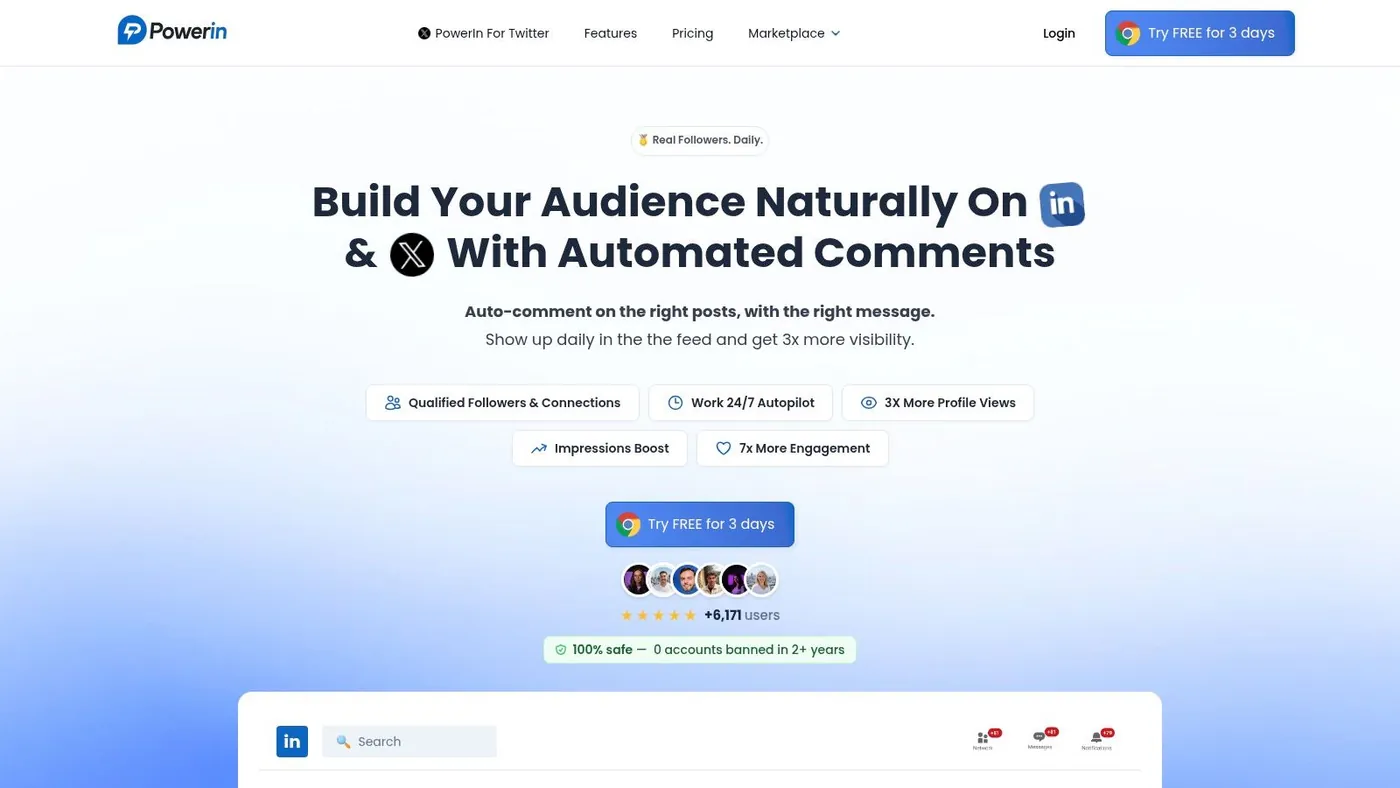
PowerIn sits at the safest end of the spectrum in this list because it focuses on engagement, not mass outreach. That distinction matters. Many LinkedIn automation conversations revolve around invites, DMs, and sequence volume. PowerIn takes a different route by automating contextual comments on LinkedIn and X, which makes it more useful for top of funnel visibility than for direct pitch delivery.
Why it fits modern top of funnel work
The core use case is simple. You choose up to 50 creators, set up to three keyword queries with Boolean logic, define tone and emoji rules, and the tool posts human sounding comments when relevant content appears. Its positioning is built around commenting within about 30 minutes of publication, when visibility is highest.
That makes PowerIn a strong fit for founders, consultants, recruiters, and B2B marketers who want prospects to discover them through repeated exposure instead of receiving an unsolicited message cold.
It also fills a gap that many listicles miss. The usual market discussion centers on bots for connection requests and follow ups, even though those are often the first workflows that trigger restrictions. Gigradar's review of the category points to an underserved area: comment automation as a safer top of funnel motion compared with aggressive outreach bots in broader LinkedIn lead generation tool comparisons.
Where it stands out in practice
PowerIn's account controls are what make it compelling. It supports manual approval, history tracking, CSV export, sensitive content filtering, timezone targeting, and multilingual comment mirroring. For global teams, that last part matters more than most buyers realize. English first outreach stacks often break down in international markets because the message lands at the wrong hour and in the wrong language. That gap is one reason multilingual, local time engagement deserves more attention in LinkedIn automation strategy discussions.
PowerIn is also transparent about setup and packaging. Growth is listed at $59/month for 900 comments, Advanced at $99/month for 3,000 comments, and Scale at $149/month for 6,000 comments. The product also references a free trial and 500 free prospects. For teams comparing categories before they buy, PowerIn's own breakdown of B2B lead generation tools is a useful companion read.
- Best for founders, small teams, consultants, and SDRs who want visibility without running aggressive outbound first
- Strength contextual commenting feels natural when prompts and targets are configured well
- Trade off it won't replace a sequencer if your motion depends on direct outreach
- Risk profile low to moderate, especially if you start with manual approval
The teams that get the most from PowerIn usually treat it as an inbound warm up layer, not as a shortcut to instant meetings.
Direct website: PowerIn
2. LinkedIn Sales Navigator
A common LinkedIn workflow breaks for a simple reason. The team starts with automation before it has a clean target list. Sales Navigator fixes that problem. It sits on the safest end of the safety versus aggression spectrum because it is LinkedIn’s own prospecting environment, and that makes it the right starting point for teams that care about control, compliance, and list quality.
Where Sales Navigator fits
Use Sales Navigator for targeting, account selection, and signal tracking. It is strongest when the job is to identify the right accounts, map the buying committee, watch for role changes, and keep prospect lists current inside LinkedIn. For account based outbound, founder led sales, and territory planning, that first party workflow fit matters more than flashy automation.
The practical advantage is filtering depth and context. You can narrow by seniority, function, company headcount, geography, relationship degree, posted content, and account activity, then save those views and revisit them as priorities change. That gives SDRs and AEs a cleaner starting point before they write a message or export anything for enrichment.
If your process includes list building outside LinkedIn, it also helps to understand the limits and risks before you start scraping data from LinkedIn for prospect research.
The trade offs
Sales Navigator does not try to be your outreach engine, and that is usually a good thing. It keeps targeting separate from execution. That separation makes your stack easier to manage because each tool has a clear job.
The trade off is obvious. You still need a second layer for email sequencing, LinkedIn messaging workflows, or enrichment. Teams that want one app to search, enrich, automate, and report often find Sales Navigator too narrow. Teams that care about sustainable pipeline usually see the opposite. They use it as the low risk source of truth, then add a more aggressive tool only where the workflow needs it. That is why I would not rank Sales Navigator by feature count alone. I would rank it by how often it prevents bad outreach. Better targeting reduces wasted sends, weak personalization, and messy handoffs between sales and marketing.
- Best for SDRs, account executives, founders doing focused outbound, recruiters
- Strength first party targeting, buying committee mapping, CRM friendly workflow
- Trade off you need another tool for scale outreach or multichannel sequencing
- Risk profile low
Direct website: LinkedIn Sales Navigator
3. Apollo.io
Apollo.io is what many teams buy when they're tired of stitching together data, enrichment, sequencing, and CRM sync across multiple vendors. It sits in the all in one camp, and that makes it useful when speed matters more than keeping every layer best in class.
When Apollo makes sense
Apollo works best when your team needs to move from list building to multichannel outreach without switching tabs all day. It combines a B2B contact database, enrichment, sequencing, conversation tools, scheduling, and CRM integrations. Its Chrome extension also makes it easy to capture prospects while browsing LinkedIn.
This is the tool I’d choose for a lean growth team that needs one operational hub rather than a specialized LinkedIn only workflow.
There's also a broader trend supporting this direction. Warmly's roundup on lead generation notes that AI adoption and CRM connected workflows are pushing teams toward integrated stacks, especially when B2B teams need one place to manage targeting and follow through in lead generation software workflows.
Where the trade offs show up
The upside of an all in one platform is convenience. The downside is that convenience can blur responsibility. Teams start pulling data, launching sequences, and enriching contacts before they have a clear point of view on message quality or channel fit.
Apollo is strong when email and phone outreach are part of the plan. It is less distinctive if your core motion is native LinkedIn engagement and thought leadership driven inbound.
If your process starts with prospect research on LinkedIn and then moves into off platform contact workflows, it also helps to understand the practical side of how teams scrape data from LinkedIn, where compliance and enrichment boundaries matter.
- Best for GTM teams that want one source for data plus outreach
- Strength reduces tool sprawl
- Trade off broad tools can encourage broad, less thoughtful outreach
- Risk profile moderate, depending on how aggressively you automate channels
Direct website: Apollo.io
4. Expandi
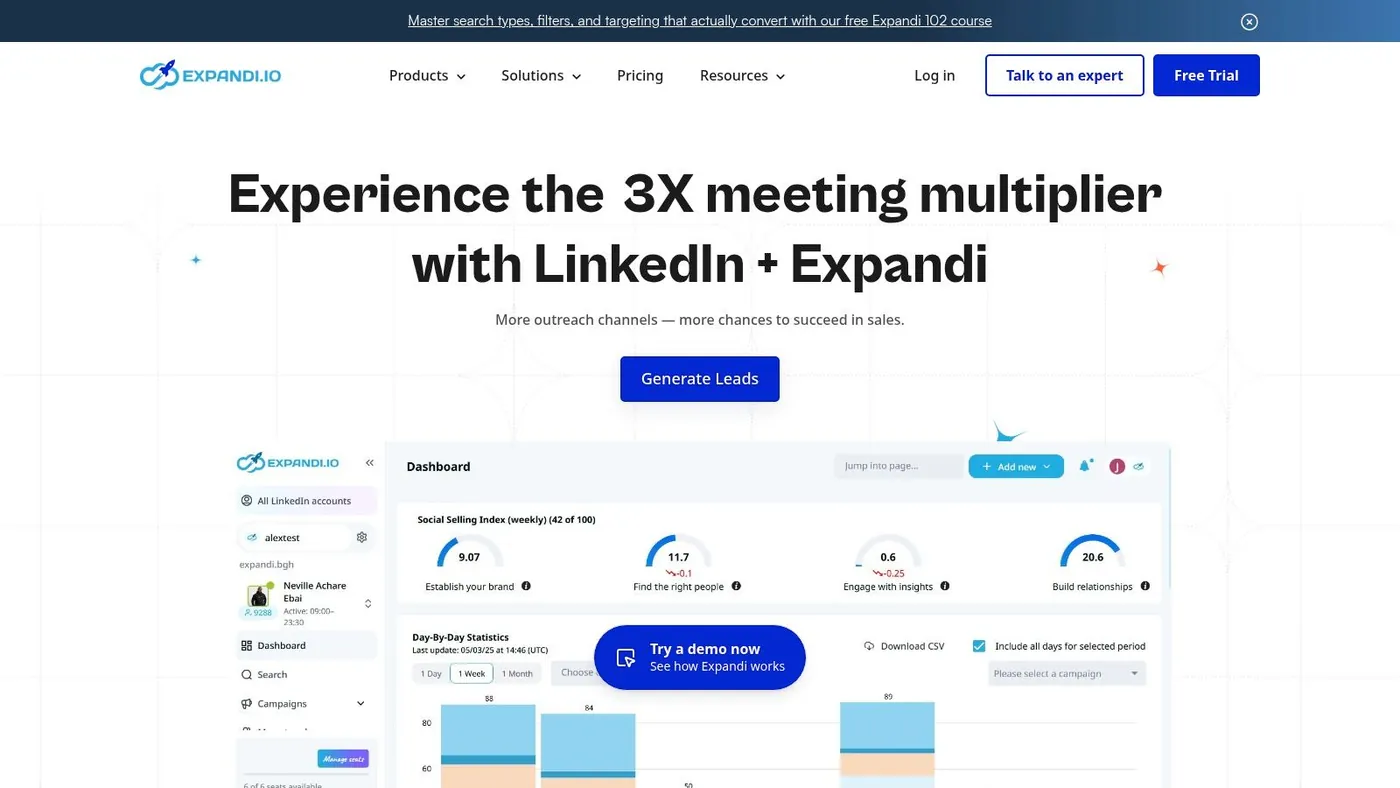
If PowerIn is the safer visibility play, Expandi is the controlled outbound machine. It's one of the better known cloud based LinkedIn automation tools for teams that want direct prospecting without relying on a browser extension running on someone's laptop all day.
Why agencies and sales teams choose it
Expandi is built around sequence logic, cloud execution, analytics, and team friendly workflows. It handles connection invites, follow ups, and personalized campaign paths. That makes it useful for agencies, SDR teams, and operators managing multiple outbound motions at once.
Cloud execution is the big practical advantage. It reduces the local browser footprint and generally gives teams a cleaner operating model than extension based tools. That doesn't make the workflow risk free, but it does make it easier to standardize.
Where to be careful
Expandi still lives in the direct outreach category. That means quality control matters more than tool settings. If the targeting is lazy or the messages are generic, scale only makes the problem bigger.
I generally see the best results when teams use Expandi after they already know their ICP, have a validated message angle, and can connect the campaign back to CRM workflows. It's less forgiving for teams that are still guessing.
- Best for agencies, outbound teams, and operators running structured LinkedIn campaigns
- Strength cloud based execution and multi step campaign control
- Trade off LinkedIn focused rather than a full multichannel command center
- Risk profile moderate to high if used aggressively
Direct website: Expandi
5. Waalaxy
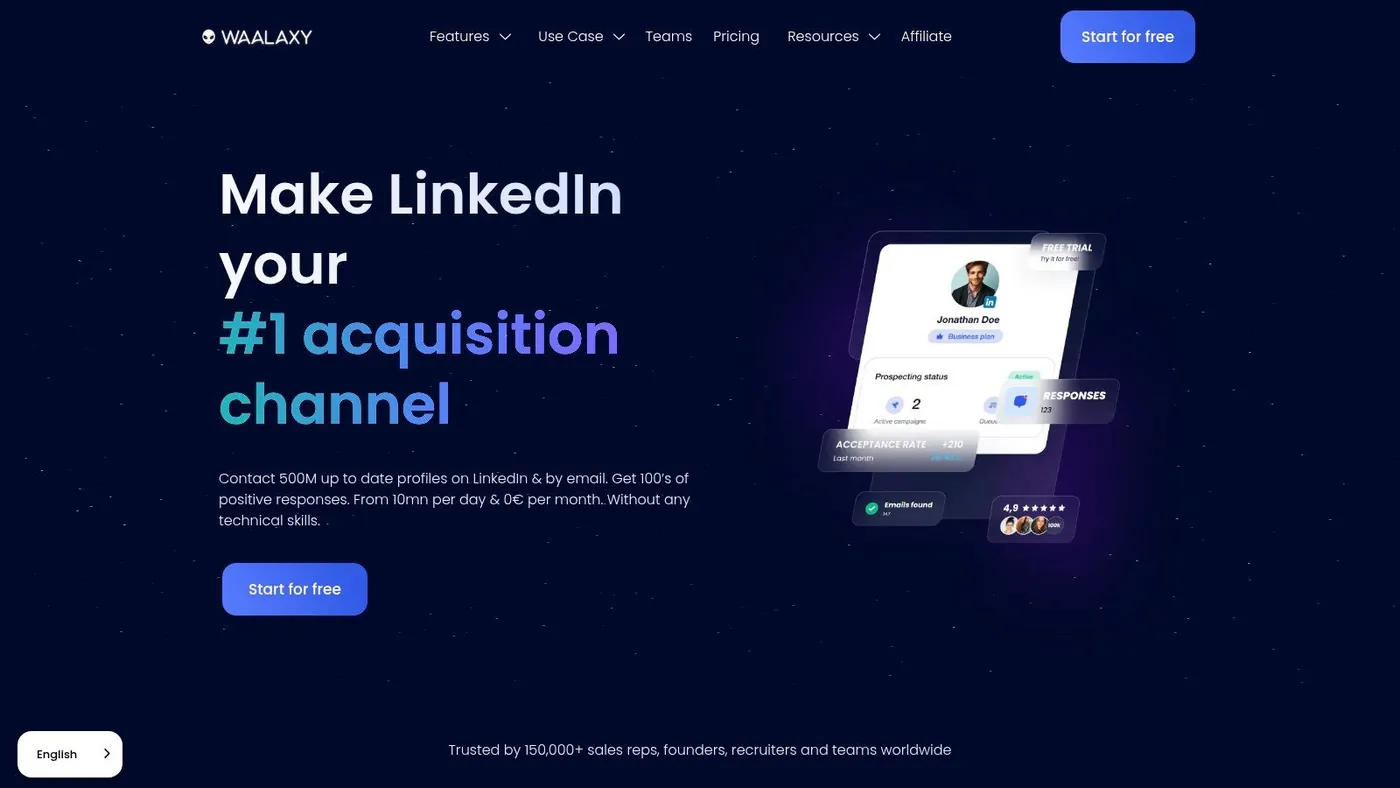
Waalaxy is often the easiest on ramp for teams that want to test LinkedIn outbound without buying an enterprise style stack on day one. It pairs a beginner friendly campaign builder with optional email steps, which makes it feel less intimidating than some of the heavier automation platforms.
Best fit
This is a good pick for solo operators, early SDR teams, and small agencies that want visual sequences and a lighter learning curve. It helps that Waalaxy offers a freemium starting point, so you can validate whether your audience responds to this style of outreach before committing to a larger stack.
The optional cold email steps also matter. Many teams discover that LinkedIn alone isn't enough, but they don't yet want a full GTM platform. Waalaxy gives them a middle ground.
Practical trade offs
The simplicity is the selling point, but it's also the limitation. Teams with complex segmentation, advanced reporting needs, or strict operational controls may outgrow it. Public pricing views can also shift by currency and billing display, which makes apples to apples comparisons a little harder.
Still, for teams trying to learn outbound discipline, that's not a bad thing. A simpler tool can force better habits.
Start light with Waalaxy if your team is still learning targeting and copy. A more complex platform won't fix weak positioning.
- Best for first time outbound teams and small businesses
- Strength approachable campaign builder with optional multichannel steps
- Trade off less depth than more advanced outbound platforms
- Risk profile moderate
Direct website: Waalaxy
6. Meet Alfred
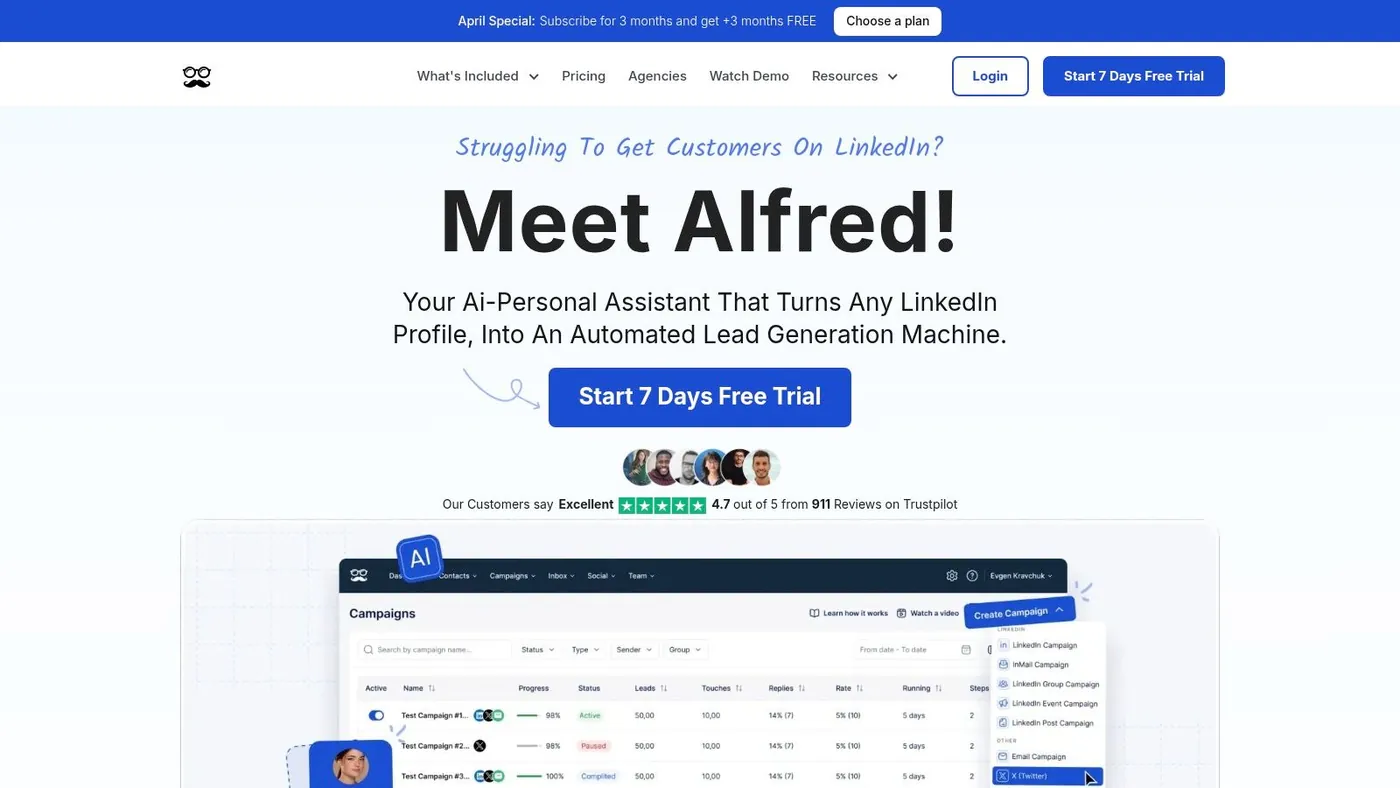
Meet Alfred is for teams that don't want LinkedIn isolated from the rest of their outreach. It combines LinkedIn, email, and X into one interface, which can be useful when prospects need more than one touch pattern before they reply.
What it does well
This tool is strongest when one person or a small team wants to run multichannel campaigns without buying separate systems for every channel. It supports LinkedIn sequences, including InMail, Groups, and Events workflows, alongside email and X touches. Team inbox features and templates make it workable for collaborative outreach.
In practical terms, Meet Alfred fits users who think in campaigns rather than channels.
Where teams get tripped up
Multichannel sounds efficient, but it can create a mess quickly if your process isn't tight. LinkedIn, email, and social follow different norms. Prospects may tolerate a thoughtful comment and a later email, but not a pile on of repetitive messages across every surface.
Meet Alfred is powerful when your team has message discipline. It's a liability when volume outruns judgment.
- Best for solo operators and small teams wanting one UI for LinkedIn plus email and X
- Strength strong multichannel convenience
- Trade off coordination complexity rises fast across channels
- Risk profile moderate to high, depending on campaign design
Direct website: Meet Alfred
7. Zopto
Zopto has long been positioned toward agencies, recruiters, and sales teams that need cloud based LinkedIn automation with stronger team controls than entry level tools usually offer. It's not built for dabblers. It assumes you're running a process.
Why teams buy Zopto
The platform combines sequenced outreach with smart post engagement, multi user dashboards, white label options, and customer success support. It also works well alongside Sales Navigator, which makes it useful for teams already committed to LinkedIn centric prospecting.
This is one of those tools that makes more sense as your motion matures. If you're handling multiple client accounts or multiple reps, Zopto gives you more operational structure than many SMB tools.
Why some teams shouldn't
The price point and complexity make less sense for solo founders and small operators. If you're only running one account and still refining your offer, Zopto is probably too much system for the amount of clarity you currently have.
That doesn't make it worse. It just means workflow fit matters more than brand reputation.
- Best for agencies, recruiting teams, and larger outbound functions
- Strength cloud execution with team and agency controls
- Trade off too heavy for many solo users
- Risk profile moderate to high
Direct website: Zopto
8. Dripify
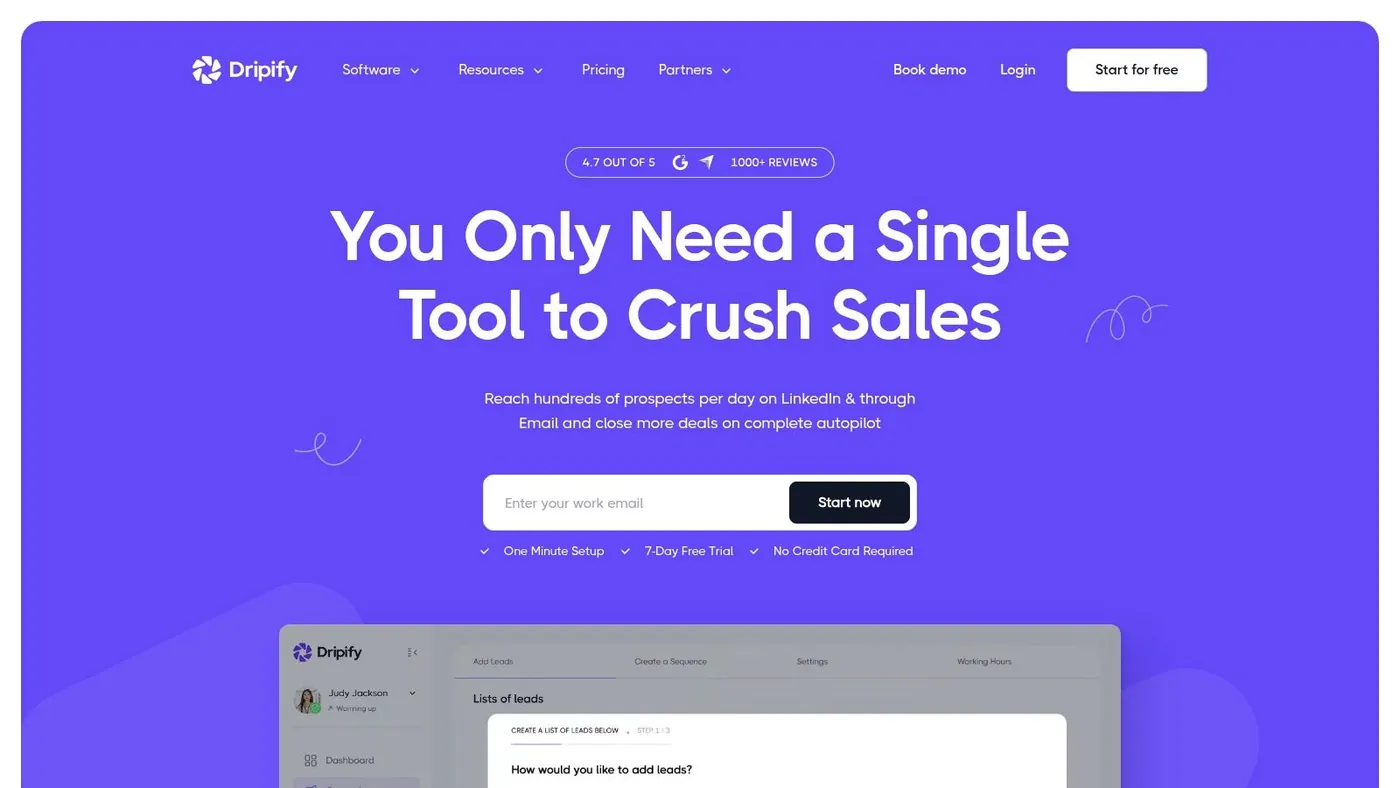
Dripify is one of the more approachable outbound tools in this category. It gives founders and SMB teams a polished UI, clear campaign setup, analytics, inbox management, and CSV handling without feeling overly technical.
Where Dripify earns its place
This is a practical tool for users who want to get campaigns running quickly and hand them off cleanly. The workflow is straightforward, and the platform includes safety caps and compatibility guidance that help less experienced teams avoid obvious mistakes.
The optional email steps also add flexibility, especially for teams that want light multichannel outreach but don't need a full GTM suite.
What to watch
Dripify can create a false sense of simplicity. Sequence setup is easy. Writing messages that deserve a reply isn't. Teams that confuse launch speed with campaign quality usually end up blaming the tool for a positioning problem.
The short trial window also means you need a plan before you start testing.
- Best for founders, SMBs, and sales teams wanting simple campaign management
- Strength clear UX and practical controls
- Trade off advanced capabilities live higher in the pricing ladder
- Risk profile moderate
Direct website: Dripify
9. Salesflow
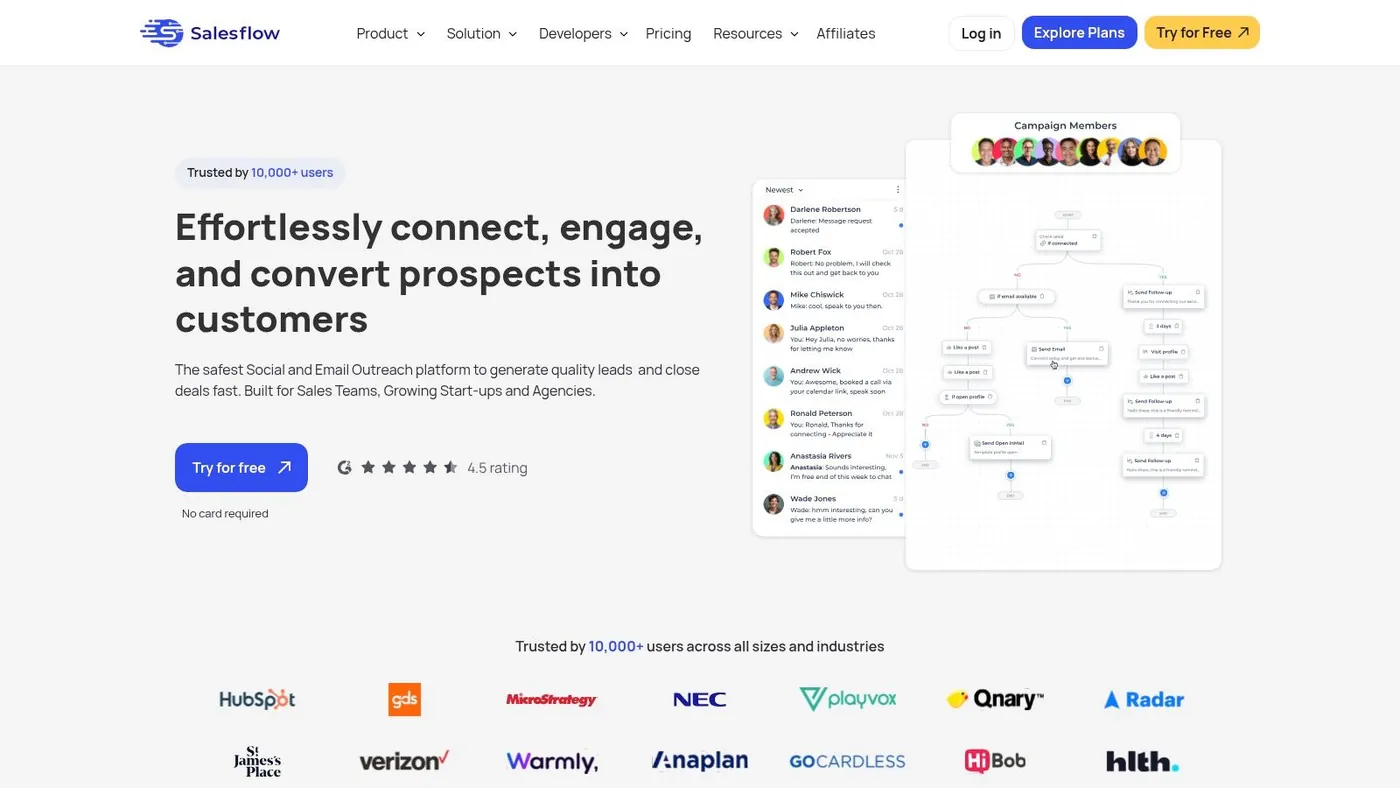
Salesflow appeals to teams that want straightforward cloud based LinkedIn outreach with clear operational guidance. It leans into recruiter and business development workflows, which gives it a more structured feel than tools built mainly for generic outbound.
Where it fits best
Salesflow works well for solo users and small teams that want reporting, templates, AI assisted inbox management, and defined send volume guidance. It also supports Open InMail and works with both basic LinkedIn usage and Sales Navigator supported workflows.
That defined volume mindset is helpful. Teams new to automation often need guardrails as much as they need features.
Trade offs
The main downside is pricing transparency for larger teams. Single user positioning is clearer than multi seat planning. If you're scaling a team, you'll likely need a direct sales conversation before you understand the full cost.
That said, some teams prefer that because they want implementation help instead of self serve experimentation.
Use Salesflow when process clarity matters more than having every possible customization knob.
- Best for recruiters, business development reps, and small outbound teams
- Strength cloud operation with practical reporting
- Trade off less transparent for larger team pricing
- Risk profile moderate
Direct website: Salesflow
10. PhantomBuster
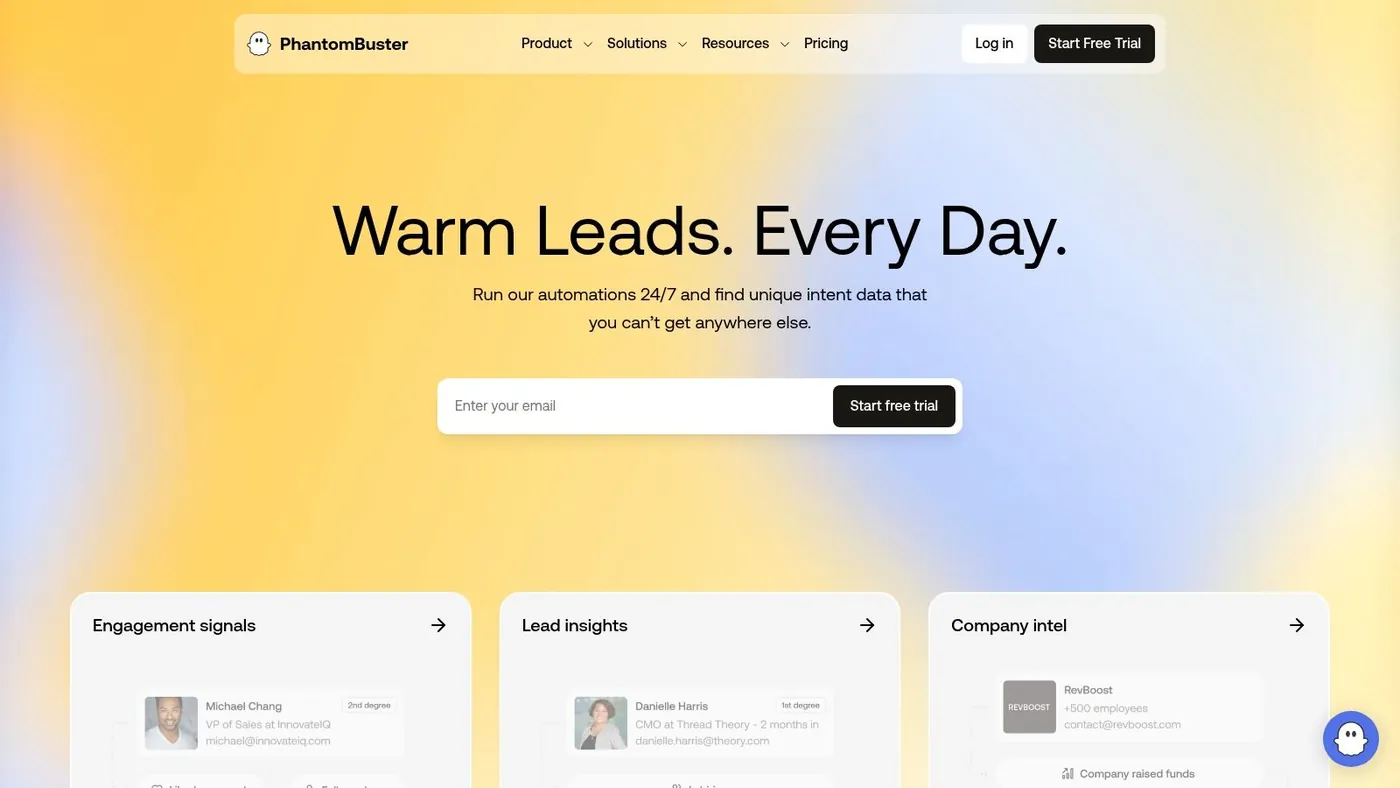
PhantomBuster is the most flexible tool on this list and also the easiest to misuse. It isn't just a LinkedIn tool. It's a broader no code automation platform with prebuilt workflows across LinkedIn and many other platforms. That flexibility makes it powerful for technical operators, growth teams, and agencies building custom flows.
Where PhantomBuster shines
Use it when the problem isn't just sending LinkedIn outreach. Use it when you need automation building blocks. PhantomBuster can support list building, enrichment, extraction, and trigger based workflows that connect LinkedIn activity with other systems.
For technical teams, that's a huge advantage. You can model workflows around your process instead of forcing your process into a rigid outreach tool.
Why caution matters here
The same flexibility raises the risk profile. Purpose built LinkedIn tools often impose opinionated limits and safety patterns. PhantomBuster gives you more rope. That's useful if you know how to design controlled workflows. It's dangerous if you don't.
I usually recommend PhantomBuster only when someone on the team can own setup, monitoring, and compliance guardrails. Otherwise, it turns into a collection of automations nobody fully understands.
- Best for technical growth teams, rev ops, and agencies building modular workflows
- Strength very flexible across LinkedIn and other platforms
- Trade off more setup and more room for unsafe implementation
- Risk profile high if unmanaged
Direct website: PhantomBuster
Top 10 LinkedIn Lead Gen Tools Comparison
| Tool | Core capability | Key differentiator (✨) | UX & Safety (★) | Target audience (👥) | Price / Value (💰) |
|---|---|---|---|---|---|
| PowerIn 🏆 | AI driven contextual comment automation for LinkedIn & X | ✨ Real time comments (~30min), timezone & language targeting, sensitive content filters, manual approval | ★★★★☆ Safety first; 2+ yrs zero bans; analytics & approval flows | 👥 B2B founders, SDRs, growth marketers, recruiters, solopreneurs | 💰 Growth $59 / Adv $99 / Scale $149; 5 day trial + 500 prospects |
| LinkedIn Sales Navigator | First party prospecting & lead discovery on LinkedIn | ✨ Deep first party data + CRM integrations (Salesforce/HubSpot) | ★★★★★ Very compliant; native LinkedIn reliability | 👥 Enterprise sales, account execs, recruiters | 💰 Per seat subscriptions; enterprise pricing |
| Apollo.io | Go to market platform: contact DB + sequencing + enrichment | ✨ Large B2B DB + built in sequencer & enrichment | ★★★★☆ Strong data & outreach features; pricing dynamic | 👥 SDRs, growth teams, ops | 💰 Tiered plans; check site for live pricing |
| Expandi | Cloud based LinkedIn automation for campaigns & follow ups | ✨ Cloud execution, seat based pricing, documented safety practices | ★★★★☆ Cloud safety focus; analytics & academy | 👥 Agencies, teams scaling LinkedIn | 💰 Seat based; transparent team plans |
| Waalaxy | LinkedIn automation with visual campaign builder & freemium | ✨ Freemium testing tier + optional cold email steps | ★★★☆☆ Beginner friendly; billing often shown in EUR | 👥 Beginners, SMBs testing outbound | 💰 Freemium + paid tiers; add ons for email/Inbox |
| Meet Alfred | Multichannel automation (LinkedIn, X, email) in one UI | ✨ Single interface for LinkedIn + email/X sequences | ★★★★☆ Powerful multichannel; steeper learning curve | 👥 Solo users & small teams | 💰 Flexible team pricing; volume discounts |
| Zopto | Cloud LinkedIn automation built for sales & recruiting teams | ✨ Agency features: white label, multi user dashboards, CSM | ★★★★☆ Cloud safe; concierge support for teams | 👥 Sales teams, recruiters, agencies | 💰 Higher price point; enterprise options |
| Dripify | LinkedIn drip campaigns with safety caps & analytics | ✨ Easy onboarding, CSV import/export, dedicated inbox | ★★★★☆ Approachable UI; 7 day trial | 👥 Founders, SMBs, campaign managers | 💰 Mid tier; advanced features on higher plans |
| Salesflow | Cloud LinkedIn outreach with AI inbox & clear volume guidance | ✨ Recruiter flows, set invite/follow up volumes, reporting | ★★★★☆ Clear send volumes; cloud execution | 👥 Recruiters, BD solo & small teams | 💰 Single user plans public; team pricing custom |
| PhantomBuster | No code automations & data extraction ("phantoms") across platforms | ✨ 100+ automations; cross platform flexibility and scaling slots | ★★★☆☆ Extremely flexible but needs guardrails to stay compliant | 👥 Technical teams, growth engineers, data ops | 💰 Scales by execution slots & hours; flexible plans |
From Engagement to Deals Building Your Lead Gen Stack
A common LinkedIn setup looks like this. A team buys an automation tool first, pushes connection requests at scale, then wonders why reply rates stay flat and account risk goes up. The problem usually is not the tool by itself. The problem is putting an aggressive layer on top of a weak workflow.
The strongest LinkedIn programs are built in layers. Start with the job that needs to be done, then choose the safest tool that can do it well. That approach keeps the stack easier to manage and reduces the odds of burning a profile before the messaging, targeting, and follow up process are ready.
LinkedIn’s role in B2B demand is already large, and analysts at Martal argue it will keep growing in their LinkedIn statistics overview. The practical takeaway is simpler than the forecast. Teams that treat LinkedIn as a system, not a single channel, usually get better results.
I group the stack into three layers.
PowerIn sits on the safer end of the spectrum. It is an engagement tool, not a direct outreach engine. That distinction matters in practice because engagement helps create familiarity before a connection request or message ever lands. For founders, consultants, and subject matter sellers, repeated visibility in the right comment threads often produces better profile visits and warmer replies than going straight to cold outreach.
Sales Navigator is the foundation layer. It gives you first party targeting, account tracking, saved lists, and a cleaner way to define who should be in your pipeline. It will not run campaigns for you, and that is a strength. Reliable data and list discipline usually improve outbound performance more than adding another sequence step.
Then comes the aggressive side of the stack. Expandi, Apollo.io, Dripify, and Salesflow belong here when the goal is direct contact at scale. These tools can work well, but only after the basics are in place. If the ICP is vague, the offer is weak, or the profile has no credibility, automation only helps you fail faster.
A practical stack usually looks like this:
- Attract with engagement through PowerIn so the right audience sees your name repeatedly in relevant conversations
- Identify with first party targeting through Sales Navigator to build tighter lead and account lists
- Convert with controlled outbound through a sequencer or all in one platform once messaging and targeting are proven
That order reflects the Safety vs. Aggression trade off. Engagement is lower risk and slower. Outbound automation is faster and riskier. Good operators do not treat those as competing philosophies. They use each one for the job it fits.
Native, low friction conversion paths also tend to outperform workflows that ask too much too early, as noted earlier in the article. Keeping the action close to the LinkedIn session, whether that is a profile visit, a reply, or a form fill, usually gives prospects fewer reasons to drop off.
The teams that turn LinkedIn activity into pipeline are not trying to remove human work. They are deciding where human judgment matters most. Research, positioning, replies, and deal progression still need it. Repetitive steps do not.
If you want the safest place to start, try PowerIn. It is a practical way to stay visible on LinkedIn every day through contextual commenting without starting with the highest risk type of automation. For founders, consultants, SDRs, and small teams, that is often the smartest first addition to the stack because it builds awareness and inbound interest before outbound gets heavier.