Your team probably already has the basics covered. You’ve got a CRM, a prospect list somewhere, maybe Sales Navigator, maybe a sequencing tool, maybe a data vendor that looked great in the demo and got messy after the first month. The core issue usually isn’t access to more tools. It’s getting reps to spend less time stitching systems together and more time starting conversations that go somewhere.
That’s why ai sales prospecting tools matter now in a different way than they did a couple of years ago. This isn’t about novelty anymore. In 2025, 56% of sales professionals use AI every day, and that matters because prospecting has become an operating model issue, not a side experiment. If your reps still research manually, write every first touch from scratch, and bounce between LinkedIn, email, and spreadsheets all day, you’re competing against teams that already automated the repetitive parts.
The useful shift is practical. Some tools help you find better accounts. Some enrich thin records. Some write outreach. Some handle sequencing. A smaller group helps you win attention before you ever send a pitch, especially on social. That last category gets ignored too often, even though many founders and SDRs are already learning that buyers respond better when they’ve seen your name before.
I’ve seen the same pattern repeatedly. Teams buy “all in one” software hoping to solve prospecting in one move. Then they discover the motion still breaks in one of three places: weak data, weak timing, or weak relevance. Good ai sales prospecting tools fix one or two of those exceptionally well. Great stacks are built by matching the tool to the motion.
If your outreach also needs stronger messaging, this guide on how to write a sales letter that converts pairs well with the tools below.
1. PowerIn
PowerIn is the most distinct tool on this list because it doesn’t start with email. It starts with attention.
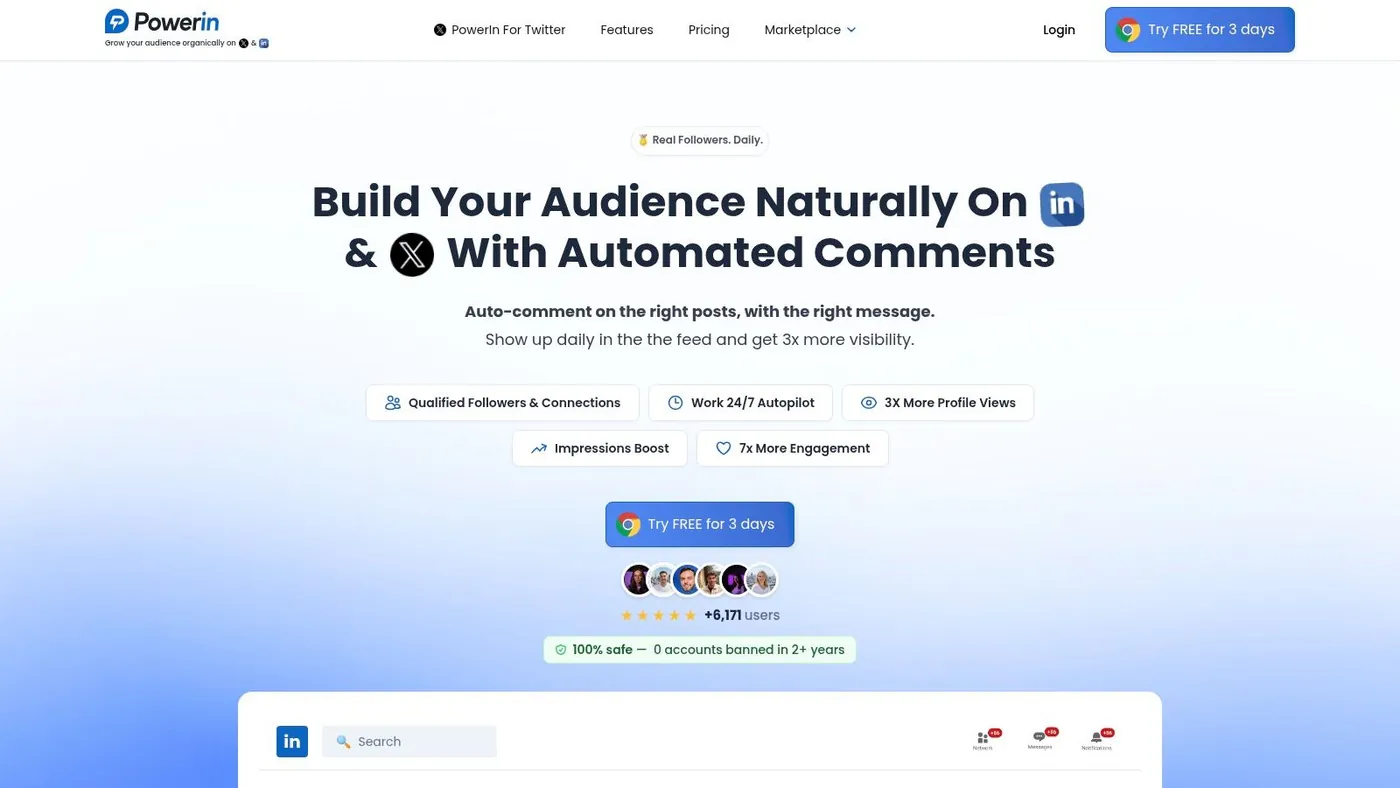
Most ai sales prospecting tools try to help after you’ve already built a list. PowerIn helps before that first outbound touch lands by putting your profile in front of the right people through contextual comments on LinkedIn and X. For founders, recruiters, consultants, SDRs, and lean growth teams, that’s a meaningful difference. Social familiarity lowers friction in a way cold email alone often can’t.
PowerIn monitors targeted keywords or selected creators, then posts human sounding comments quickly after relevant posts go live. The practical upside is simple. Early comments get seen. Seen comments drive profile visits. Profile visits create warmer outbound and more inbound.
Why it works in real prospecting
A lot of teams over automate the riskiest actions first. They push connection requests, mass DMs, or brittle outreach sequences and then wonder why response quality drops. PowerIn takes the safer route by focusing on comments instead of spammy direct actions.
That matters because compliance and risk mitigation for social automation is still underserved in this category. HubSpot’s roundup of the space notes a clear gap around safeguards like rate limits, manual approvals, timezone targeting, and avoiding sensitive topics in social prospecting workflows (HubSpot on AI prospecting tools and the compliance gap).
PowerIn addresses that gap directly. It supports manual approval, tracks comment history, exports activity through CSV, respects local business hours, detects post language, and avoids sensitive topics. For teams nervous about account safety, that’s not a minor feature set. It’s the reason to use a tool like this at all.
Practical rule: If your social automation can’t show you exactly what it posted, when it posted, and why it posted, it’s not ready for a client facing or founder led workflow.
Where PowerIn fits best
PowerIn is strongest when your buyers are active on LinkedIn or X and your sales motion benefits from repeated visibility. That includes:
- Founder led outbound: You stay visible without spending hours in the feed.
- SDR warm up: Reps can engage before sending a connection request or email.
- Recruiting and consulting: Comments create credibility faster than generic cold outreach.
- Niche audience targeting: Creator targeting and Boolean keyword filtering keep the workflow focused.
The trade off is equally clear. This is not your database, your email sequencer, or your CRM. If you need a broad outbound stack, you’ll still pair it with other tools. But if your pipeline depends on being noticed before being pitched, PowerIn fills a gap that most “all in one” platforms still treat as an afterthought.
It also helps that setup is straightforward. You configure up to three Boolean keywords and target up to 50 creators, define tone and emoji rules, and start with manual approval until the voice feels right. Teams using it seriously should also review their broader automated LinkedIn outreach approach so comments support, rather than replace, the rest of the motion.
Quick setup to value
- Start narrow: Pick one ICP theme and one creator set first. Broad targeting usually creates bland comments.
- Use manual approval early: Founders and first SDR hires should review outputs until the tone matches the brand.
- Track visible leading indicators: PowerIn gives a dashboard and daily email reports on comments, impressions, followers, connections, and replies. Use those signals to see whether visibility is turning into conversations.
- Pair it with outbound: Comment first, then connect or email after the prospect has seen your name.
Website: PowerIn
2. Apollo.io
A common early stage sales scenario looks like this. The founder is still prospecting, the first SDR is building lists in spreadsheets, and nobody wants to buy five tools just to send the first hundred outbound emails. Apollo.io usually enters the conversation at that point because it covers the core workflow in one place.
You get contact search, account filtering, sequencing, a Chrome extension, and built in AI assistance inside the same product. That matters less as a feature checklist and more as an execution decision. Fewer handoffs usually mean faster testing, especially for teams that do not have a RevOps owner cleaning up process gaps every week.
Best use case
Apollo fits the all in one prospecting bucket. It works well for small teams that need to go from target account selection to first outreach without stitching together a separate data provider, sequencer, and enrichment layer.
I usually recommend it for teams that are still proving repeatability. If the current motion is simple, identify a segment, pull a list, launch a sequence, review replies, and refine the message, Apollo keeps that loop tight. That speed is useful in founder led sales and in lean outbound teams where adoption matters more than having the deepest tool in every category.
It can also pair well with channel specific tools. Teams that want Apollo for list building and email outreach, but still want a separate LinkedIn motion, should compare it against other LinkedIn lead generation tools instead of expecting one platform to cover every channel equally well.
Trade offs that matter
Apollo’s strength is breadth. Its weakness is the same.
The platform does a lot well enough, which is often exactly the right answer for a smaller team. But broad coverage comes with trade offs. Data quality can vary by segment. Usage credits need real planning once prospecting volume rises. The AI writing support is helpful for drafts, but it will not fix weak positioning or a bad offer.
There is also a behavior risk that shows up fast. Reps with a large database tend to overbuild lists and underthink targeting. That creates volume without precision, which usually means more activity in the CRM and fewer real conversations.
So the decision is straightforward. Choose Apollo when speed, consolidation, and acceptable data quality matter more than best in class depth in one area. Pass on it if your motion depends on highly custom enrichment, strict data governance, or advanced account based orchestration.
Quick setup to value
Start with one narrow segment, not your whole TAM. Write one sequence around one pain point, then check the first batch of records manually before scaling.
A few practical rules help teams get value faster:
- Set a credit budget early: Treat credits like pipeline capacity, not a free pool to burn through.
- Pressure test data quality first: Review a sample by title, region, and company size before reps build big workflows on top of it.
- Keep AI on a short leash: Use it for first drafts and research prompts, then tighten messaging by hand.
- Build around one motion: Pick either net new outbound, expansion, or founder led prospecting first. Apollo gets messy when teams try to support every motion on day one.
Website: Apollo.io
3. ZoomInfo SalesOS + Copilot
A common point of pain shows up after a team hires its first few SDRs. Reps stop struggling to find names and start struggling to decide which accounts deserve attention, which contacts matter inside those accounts, and how to keep that work clean inside the CRM. ZoomInfo is built for that stage.
SalesOS is strongest in structured outbound environments where territory design, account ownership, buying group coverage, and CRM hygiene affect pipeline as much as raw lead volume. Copilot adds AI assistance on top of that base, usually around account research, prioritization, and message suggestions.
Where it earns its keep
ZoomInfo fits teams that prospect at the account level first and the contact level second. That matters in mid market and enterprise sales, where a single good contact record rarely solves the problem. Reps need to understand the account, identify the likely committee, and decide where an entry point already exists.
That changes rep behavior in a useful way. Instead of building another flat list, teams can work from account context, ownership rules, intent signals, and org mapping. In practice, that usually leads to better prioritization and fewer random touches.
It also helps RevOps teams that care about process control. ZoomInfo tends to work best when prospecting is not a free for all and when leadership wants cleaner routing, tighter CRM sync, and more consistency across teams.
The real trade off
ZoomInfo is powerful, but it asks for operational maturity.
Smaller teams often buy it for the data and then discover the actual work is in setup, permissions, workflows, and rep adoption. If the team is not ready to define target accounts, inspect usage, and build clear plays around the data, the product can end up functioning like an expensive search bar.
The cost structure matters too. Pricing is usually harder to model than self serve tools, and the value depends heavily on how many reps will use account intelligence in their daily workflow. For an enterprise SDR team, that trade can make sense. For a founder doing early outbound, it often does not.
A few patterns show up consistently:
- Best fit for account based prospecting: Stronger for multi threaded outreach than simple list building.
- Useful for RevOps led teams: Better fit when ops owns governance, routing, and CRM standards.
- Less forgiving on adoption: Managers need to coach reps on how to use signals and account views, not just measure output.
- Harder to justify for light outbound: Teams with low volume or short deal cycles may pay for depth they do not use.
Quick setup to value
Start with one segment where account context changes rep behavior. Good examples include named accounts, enterprise territories, or a vertical where buying groups are predictable.
Then keep the rollout tight:
- Define the account selection logic first: Industry, size, geography, tech stack, or trigger criteria should be clear before reps start searching.
- Map the buying group by role, not just title: Focus on likely evaluators, budget owners, and blockers.
- Tie Copilot to existing plays: Use AI support inside a proven outbound motion instead of asking it to invent one.
- Audit CRM sync early: Bad field mapping and duplicate rules will create more work than the data saves.
- Train managers to inspect usage: Review whether reps are using account insights in sequence planning and call prep.
If LinkedIn is also part of your workflow, this guide to LinkedIn lead generation tools is useful because ZoomInfo will help with targeting and account research, but it will not run your social engagement motion for you.
Website: ZoomInfo
4. Cognism
Cognism is one of the easier recommendations to make when compliance, mobile data, and Europe heavy targeting are central to the sales motion.
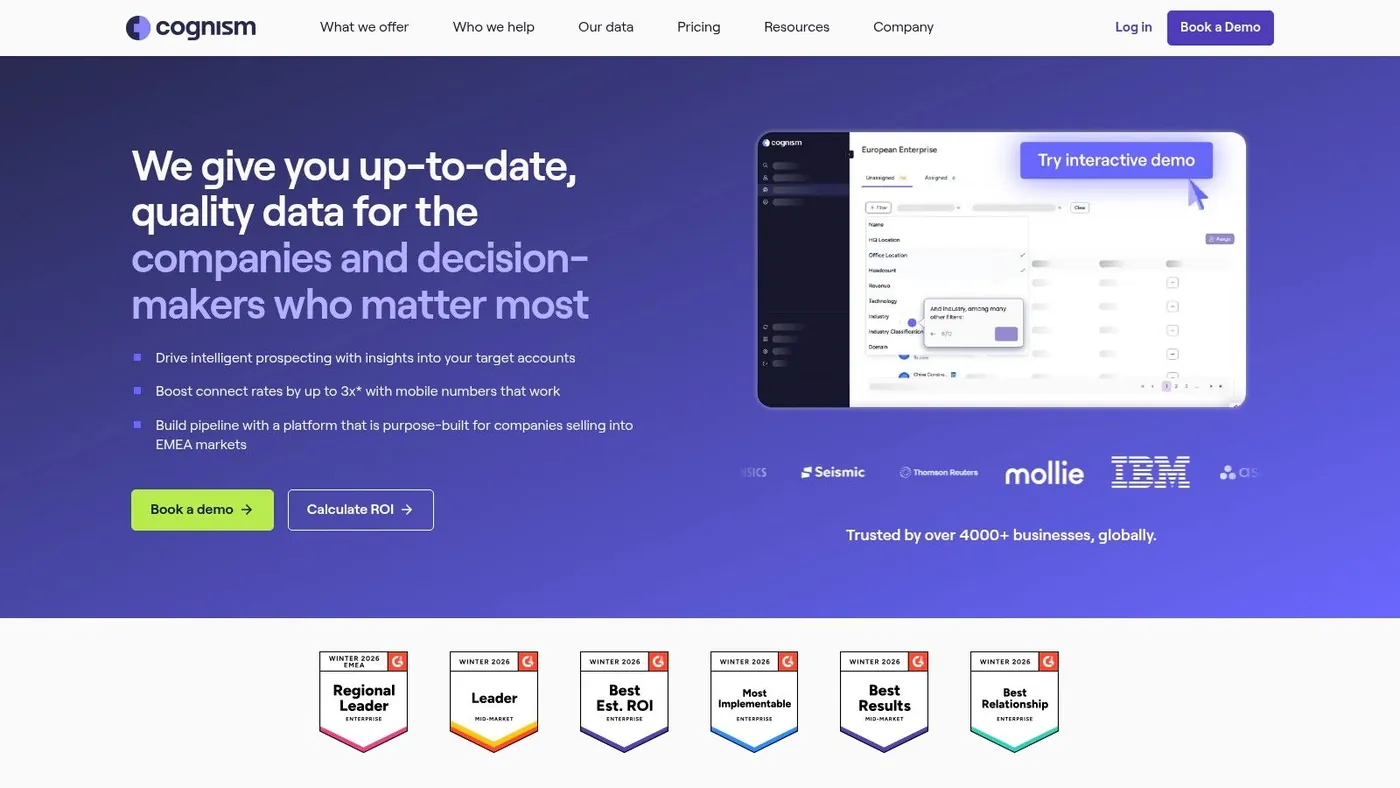
Some prospecting tools are chosen for breadth. Cognism is often chosen for control. Teams that sell into EMEA, operate in regulated categories, or rely on phone outreach tend to care less about flashy AI wrappers and more about whether the data is usable, screened, and defensible.
Why teams choose it
Cognism’s strength is the combination of compliance first positioning and phone verified mobile data. If calling is part of your outbound engine, that matters more than another generic AI copy assistant.
The wrong way to buy a data platform is to focus only on record volume. The better question is whether the records support the motion you run. For phone led outbound into Europe and North America, Cognism often fits that requirement better than broader but looser alternatives.
What works and what doesn’t
What works:
- Compliance conscious outbound: Better fit for teams that need stricter governance.
- Phone heavy SDR motions: Verified mobile numbers matter more when connect rates determine pipeline.
- Cross region selling: Especially helpful when your coverage spans North America and Europe.
What doesn’t:
- Pure email first teams: You may pay for value you won’t fully use.
- Budget sensitive startups: Premium verification layers are easier to justify once outbound calling is proven.
- Teams wanting lots of workflow automation: Cognism is stronger as a data layer than as a full operating system.
Buyers often overvalue “more leads” and undervalue “cleaner reachable leads.” The second one usually creates more meetings.
Quick setup to value
Start with a call first segment where mobile accuracy makes the biggest difference. Align your SDR workflow, call blocks, and compliance requirements before scaling to wider segments. If your reps only occasionally call, Cognism may be more tool than you need.
Website: Cognism
5. Clay
A RevOps lead gets the same request every quarter. Sales wants more pipeline, marketing wants tighter targeting, and nobody trusts the list quality enough to scale outreach. Clay fits that situation better than a standard prospecting database because it lets the team build the workflow around its own signals instead of accepting a vendor’s default view of the market.
Among ai sales prospecting tools, Clay stands out as a workflow builder for outbound teams that care about how leads are sourced, enriched, scored, and routed. It is a strong fit for GTM engineers, RevOps teams, and sales leaders running targeted plays with custom logic. If your team wants one large contact database and a simple sequence tool, Clay will feel heavier than necessary.
Its real value is control. Teams can combine multiple data providers, add website or company research, create trigger based workflows, and shape records around the way the business sells. That matters when the difference between a useful list and a wasted month comes down to details like job change timing, hiring patterns, tech stack, territory rules, or whether an account matches a narrow ICP.
Clay works best in the data enrichment and workflow automation category, not the all in one category. That distinction matters during evaluation. You are not buying a finished outbound system. You are buying the ability to design one.
Where Clay earns its place
Clay is at its best when prospecting depends on layered signals instead of broad filters. Teams use it to build list generation around specific conditions, enrich records from multiple sources, and create custom fields that make outreach more relevant before a rep sends the first email or makes the first call.
That flexibility can produce better targeting than static database tools. It also creates more operational responsibility. A poor workflow design can waste credits, create duplicate records, and push noisy data into the CRM faster than a rep can catch it.
The trade offs
Clay has a real learning curve.
Teams need someone who can structure tables well, manage enrichment logic, control sync rules, and decide where AI research is useful versus distracting. In practice, that usually means RevOps, a GTM engineer, or a sales ops minded power user owns the system. Without that owner, adoption slips and the platform becomes a collection of half built experiments.
Pricing is only part of the buying decision. Clay starts at $149 per month, but usage design matters more than entry price. The wrong setup burns through credits quickly. The right setup can replace several manual research steps and improve list quality enough to justify the spend.
Quick setup to value
- Start with one use case: Build a workflow for a single segment, such as new VP level hires at target accounts, before expanding.
- Use AI on narrow tasks: Research snippets, segmentation tags, and account notes are safer starting points than full message generation.
- Set credit rules early: Limit enrichments to fields that affect routing, scoring, or personalization.
- Define system boundaries: Decide which data belongs in Clay, which fields sync to CRM, and which signals should trigger rep action.
Clay is a strong choice for teams that treat prospecting as an operating system, not a one time list pull. If that sounds like your motion, Clay can become a serious advantage. If your team still needs basic process discipline, a simpler tool will get you to value faster.
Website: Clay
6. 6sense Revenue AI
6sense is built for account based teams that want to prioritize who’s in market before reps spend time on outbound.
This isn’t the tool for a solo founder trying to get a first outbound motion running. It’s the tool for organizations where marketing, sales, and RevOps need a shared way to identify accounts worth coordinated effort.
Where 6sense stands out
Its core value is account prioritization. Rather than feeding reps endless lead lists, 6sense helps teams focus on accounts that show stronger buying signals and align that view across functions.
That’s especially useful when a sales team is drowning in “good fit” accounts but still struggling to know which ones deserve action now. In larger organizations, prioritization is often a bigger problem than list creation.
The trade offs
The trade off with platforms like 6sense is almost always the same. They’re powerful, but they demand process maturity.
If your team doesn’t already run an account based motion with clear ownership between SDRs, AEs, marketing, and operations, 6sense can expose the gaps faster than it solves them. That’s not a knock on the platform. It’s just the reality of strategic tooling.
A few practical notes:
- Best for coordinated GTM teams: The value grows when multiple teams act on the same signals.
- Heavier implementation: Expect more setup than with SMB focused prospecting software.
- Not ideal for simple list driven outbound: It shines in account prioritization, not just contact generation.
Quick setup to value
Start with one named account segment and one clear response play. If accounts hit a threshold for attention, define what happens next. Which rep acts, in what channel, and with what message? Without that discipline, the signal layer won’t translate into pipeline.
Website: 6sense Revenue AI
7. Salesloft with Rhythm
A common inflection point shows up around the same time. The team has enough reps, enough inbound and outbound activity, and enough pipeline pressure that “just work the list” stops being a real process. Salesloft is built for that stage.
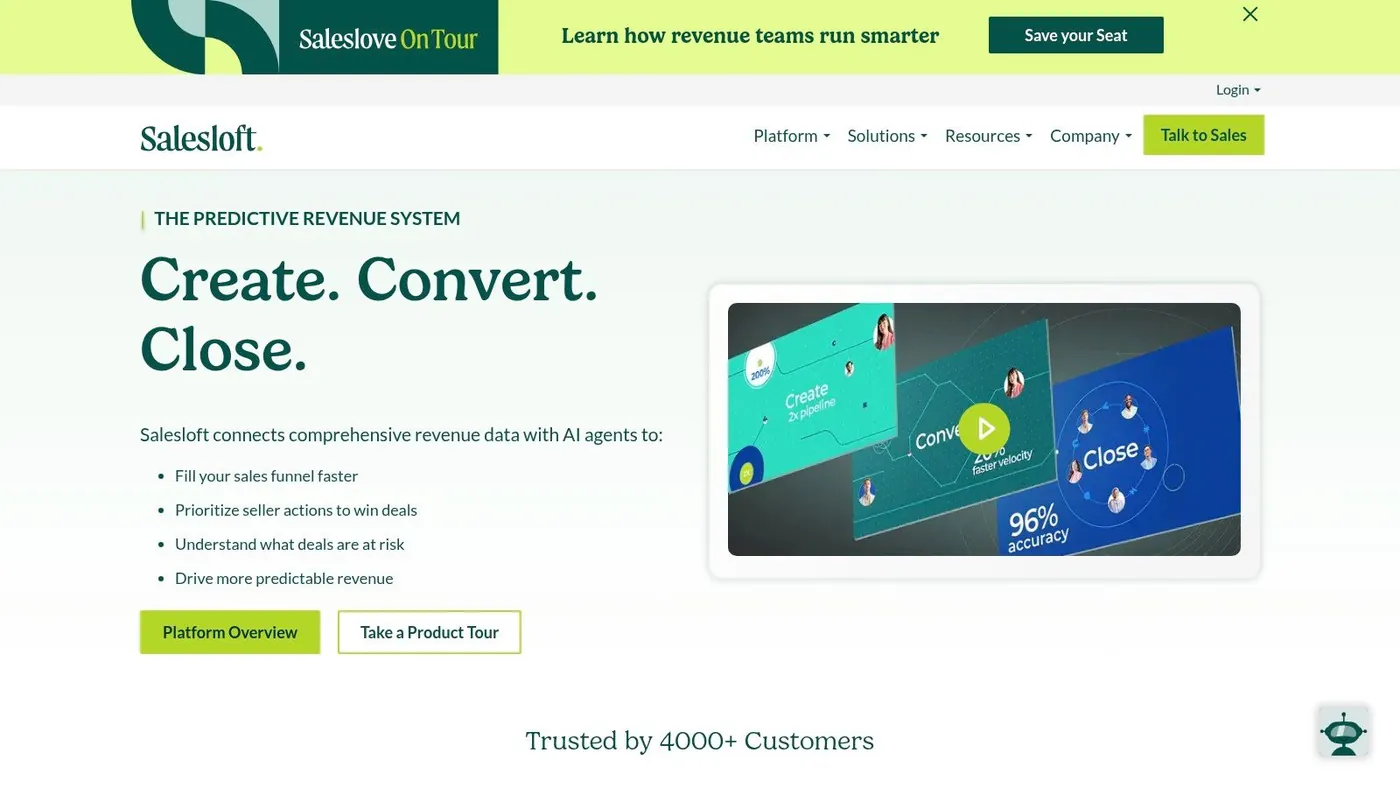
Rhythm matters because it adds prioritization inside the rep workflow, not in a separate dashboard that nobody checks after week two. Reps get guidance on which actions deserve attention next, based on buyer activity and engagement context. For leaders, that shifts prospecting from volume management to execution management.
Why teams buy it
Salesloft tends to fit organizations that already know their motion and want tighter control over how it gets run. Cadences, call activity, coaching, conversation data, and analytics sit in one system, which makes inspection easier for frontline managers and revops.
That is the core value.
A lot of AI prospecting tools help create lists or draft messages. Salesloft is stronger when the problem is consistency across reps, teams, and stages. If one SDR follows process, another improvises, and managers cannot see where quality drops, Rhythm and the broader Salesloft stack can clean that up.
The trade offs
The platform asks for operational discipline. If your stages, task rules, ownership, and messaging standards are loose, Salesloft will reflect that mess back to you.
It can also be more system than a small team needs. A founder led sales motion or a lean SDR team that mainly wants low cost sequencing may find the extra layers unnecessary.
Salesloft makes more sense when:
- Managers need clear process inspection
- Coaching quality matters alongside activity volume
- Rep actions should respond to engagement signals
- Prospecting, pipeline management, and forecasting need to stay connected
It is a weaker fit if the main goal is sending emails as cheaply as possible.
Quick setup to value
Start with a narrow rollout. Build a small number of cadences tied to clear entry rules, exit rules, and manager review points. Then layer Rhythm onto that motion so recommendations reinforce an existing process instead of compensating for a missing one.
That approach gets value faster and avoids the usual failure mode, which is giving every rep too much freedom inside a platform that works best with shared standards.
Website: Salesloft
8. Outreach with Kaia
Outreach has a similar enterprise profile to Salesloft, but many teams choose it because they are highly focused on execution quality during and after calls, not just before them.
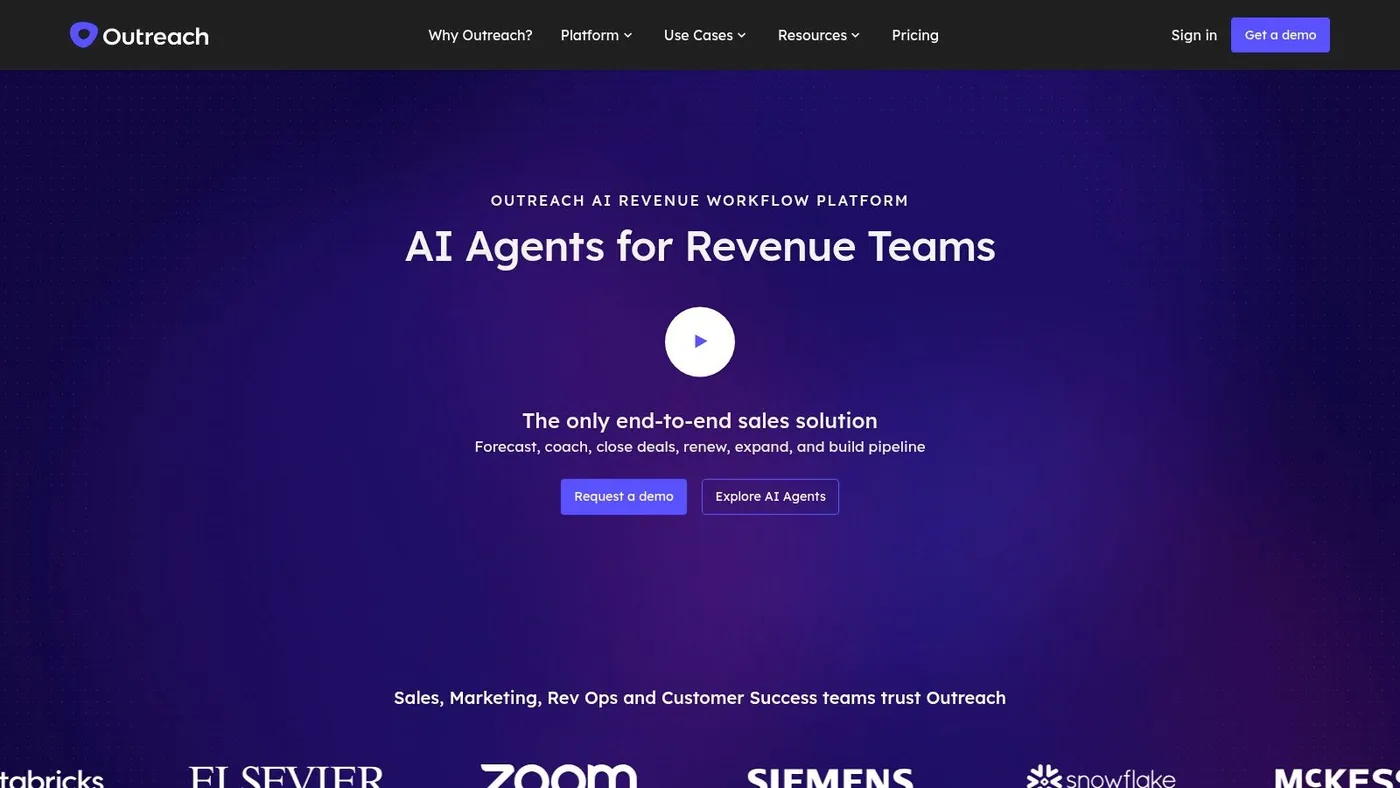
Kaia gives reps live guidance, summaries, topic tracking, and post call support. In practice, that means Outreach often appeals to organizations where enablement and frontline consistency are major priorities.
Why it’s different
Some prospecting tools help you get the meeting. Outreach also helps teams execute better once the conversation starts.
That distinction matters because many sales orgs don’t really have a top of funnel problem. They have a quality control problem. Reps book calls, but discovery is uneven, follow up slips, and managers don’t have clean visibility into what happened.
Outreach helps close that gap.
Better prospecting software doesn’t matter much if reps still lose context between first touch, first meeting, and follow up.
Where it fits best
Outreach is strongest for teams that want one engagement system spanning email, calls, deal workflows, and coaching support. It’s less appealing if your process is founder led, lightweight, or highly customized outside the platform.
A few practical fit signals:
- You want stronger call execution
- Managers need rep level visibility
- Your team values multilingual support and summaries
- You’re ready to drive platform adoption hard
The trade off is familiar. Platforms like Outreach need organizational commitment. If the team only uses the email steps and ignores the rest, ROI gets blurry fast.
Quick setup to value
Define one prospecting workflow and one post call workflow. Use Kaia on a focused group first, then inspect whether summaries, cues, and topic tracking change rep behavior. If they don’t, the issue is usually enablement discipline, not software.
Website: Outreach
9. HubSpot Sales Hub with Prospecting Workspace and AI Prospecting Agent
HubSpot Sales Hub works well when your team wants prospecting to happen where the CRM already lives.
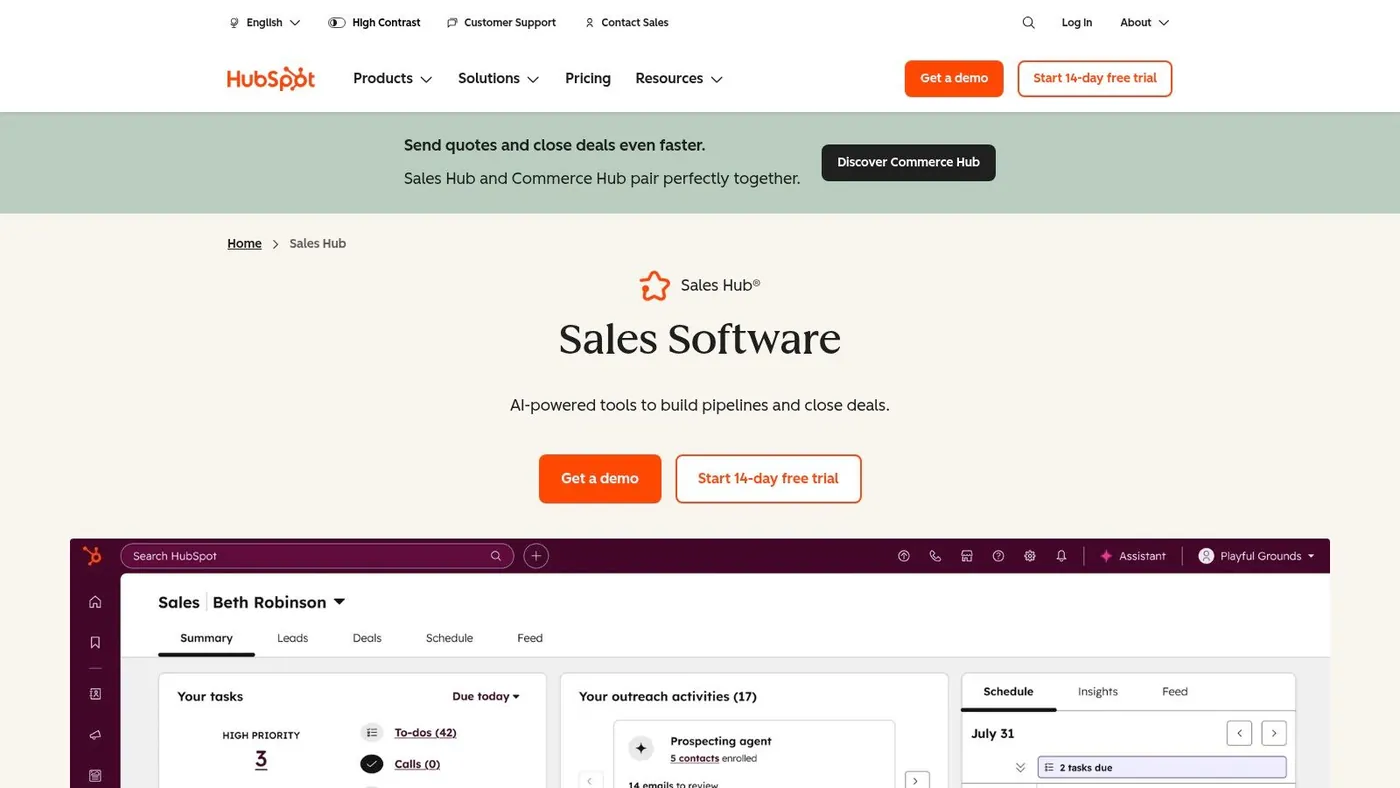
For founder led sales and smaller teams, that matters more than people admit. Context switching is one of the quiet killers of consistency. Reps lose time moving between notes, tasks, contact records, and outreach tools. HubSpot’s Prospecting Workspace and AI features reduce some of that friction.
The practical advantage
The best reason to choose HubSpot here is operational simplicity. If your CRM, pipeline, and reporting already run in HubSpot, keeping prospecting activity close to that system usually improves adoption.
This is especially true for smaller teams that don’t have a dedicated RevOps person cleaning up after every handoff. One system with decent prospecting support often beats a more advanced but fragmented stack.
Where it falls short
HubSpot isn’t the most flexible option for deep, engineer built prospecting workflows. If your team wants custom enrichment waterfalls, unusual trigger logic, or highly specialized outbound systems, you’ll hit limits faster than with Clay or enterprise ABM platforms.
It’s also worth staying realistic about AI features in CRM suites. Native AI is helpful when it saves clicks and keeps reps organized. It’s less impressive when buyers expect it to solve strategy.
Quick setup to value
- Use the workspace for daily rep focus: Keep call lists, tasks, and outreach in one queue.
- Align lifecycle stages first: AI won’t fix messy lead definitions.
- Pilot with founder or first SDR: You’ll see quickly whether the built in workflow supports your motion or constrains it.
HubSpot is a good fit when simplicity, CRM alignment, and fast adoption matter more than maximum configurability.
Website: HubSpot Sales Hub
10. Amplemarket
A common buying situation looks like this. The team has enough outbound volume to outgrow manual prospecting, but not enough operational depth to manage five separate tools for data, sequencing, personalization, and reply handling. Amplemarket is built for that middle ground.
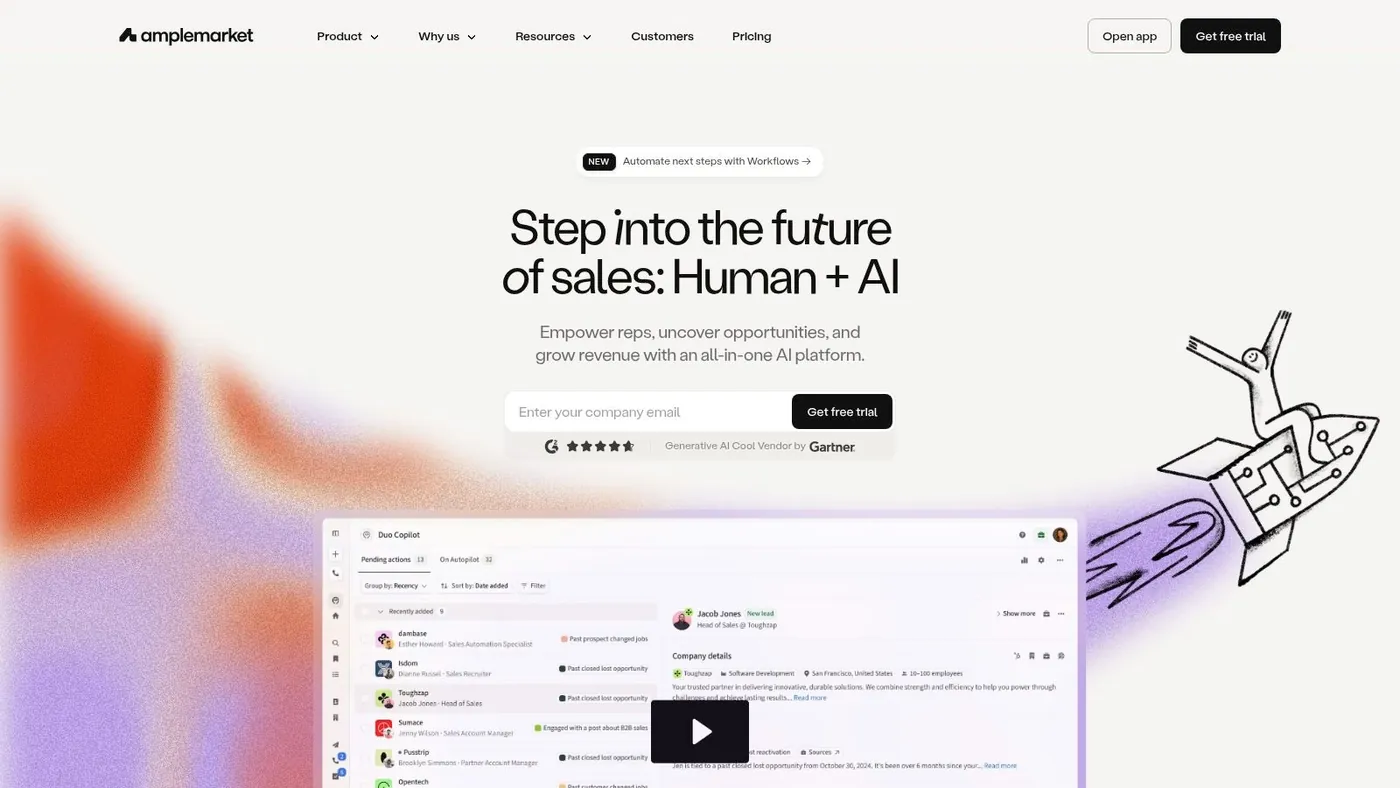
It fits the all in one category, with heavier emphasis on AI assisted execution than older sales engagement platforms. That matters if the goal is speed to pipeline, not a long integration project. One vendor, one operating model, and fewer handoffs usually make adoption easier.
Where Amplemarket makes sense
Amplemarket is a practical choice for teams that want one system for list building, multichannel outreach, AI personalization, and inbox triage. I’d look at it for startups, lean SDR teams, and growth stage sales orgs that need outbound coverage without building a custom RevOps machine around the stack.
The appeal is straightforward. Reps spend less time switching tools, managers get a clearer view of activity, and RevOps has fewer sync points to maintain. That simplicity has real value when the team needs consistent execution more than maximum configurability.
The trade offs in plain terms
The trade off is control.
All in one tools usually win on speed and operational simplicity. They usually lose some ground on depth. Clay gives you more freedom for custom enrichment and workflow logic. Outreach and Salesloft tend to offer more mature governance for larger sales orgs. PowerIn is narrower, but safer and more purpose built for social engagement workflows.
Amplemarket works best when the team agrees on a fairly standard outbound motion and wants software that supports it without much assembly. If your process depends on unusual routing rules, layered data waterfalls, or strict enterprise controls, the limits show up faster.
Teams should also be careful with any LinkedIn related automation. The upside is real. So is the platform risk if usage gets aggressive or sloppy.
Quick setup to value
Start with one segment, one offer, and one multichannel sequence. Measure three things in the first two weeks: data quality, AI personalization quality, and how cleanly replies get routed to the right owner.
Keep the pilot narrow. That makes it easier to see whether the platform is improving throughput or just creating more activity. Once the team trusts the workflow, expand to more personas and larger volumes.
Website: Amplemarket
Top 10 AI Sales Prospecting Tools Comparison
| Product | Core features | Quality & trust ★ | Price / value 💰 | Target audience 👥 | Unique strength ✨ |
|---|---|---|---|---|---|
| PowerIn 🏆 | AI driven contextual comments on LinkedIn & X; Boolean keywords; creator & timezone targeting; manual approval & CSV export | ★★★★☆, Trusted 10k+ users; 2+ yrs zero reported bans; fast support | 💰 Growth $59/mo (~900 comments); Advanced $99; Scale $149; 5 day free trial + 500 prospects | 👥 B2B founders, SDRs, growth marketers, recruiters, small teams | ✨ Automates safe, early feed comments to boost visibility & inbound; Chrome extension & audit logs |
| Apollo.io | Large contact DB, outbound sequences, AI assistant, Chrome extension, integrations | ★★★★☆, Mature, widely adopted platform | 💰 Tiered plans with export/credit limits; good single pane value (credits add complexity) | 👥 SMBs & growth teams needing list → sequence in one tool | ✨ All in one prospecting + sequencing with AI drafting |
| ZoomInfo SalesOS + Copilot | Massive B2B database, org charts, intent signals, AI research copilot | ★★★★★, Market leading data; enterprise grade governance | 💰 Custom quotes, enterprise pricing (higher TCO for small teams) | 👥 Mid market & enterprise sales/marketing orgs | ✨ Deep firmographic/org chart data + intent at scale |
| Cognism | Phone verified mobile numbers (Diamond Data), intent signals, DNC & compliance tooling | ★★★★☆, Strong EMEA coverage; compliance first | 💰 Custom / premium Diamond tiers; additional cost for verified data | 👥 Teams selling into EMEA/NA; regulated industries | ✨ Phone verified mobiles + built in compliance screening |
| Clay | Composable workflows, Claygent AI, multi source enrichment, native sequencer, API | ★★★★☆, Powerful & flexible but technical to master | 💰 Actions & Data Credits metered model; transparent but usage based | 👥 GTM engineers, revops, teams building bespoke outbound engines | ✨ Highly composable automation + multi provider enrichment waterfalls |
| 6sense Revenue AI | Intent + predictive scoring, account prioritization, revenue AI alerts | ★★★★☆, Deep account intelligence; enterprise security | 💰 Custom enterprise pricing (investment for mid/enterprise) | 👥 Mid market & enterprise ABM teams | ✨ Dark funnel visibility + predictive account prioritization |
| Salesloft (with Rhythm) | Multichannel cadences, conversation intelligence, AI driven Rhythm recommendations | ★★★★☆, Mature engagement stack for scaling sales motions | 💰 Sales led pricing (custom tiers) | 👥 Teams standardizing cadences & coaching sellers | ✨ AI next best action guidance tied to conversation signals |
| Outreach (with Kaia) | Multichannel engagement, Kaia real time call guidance, summaries, admin controls | ★★★★☆, Robust AI convo tooling; enterprise enablement | 💰 No public pricing; enterprise focused contracts | 👥 Sales teams focused on call quality, coaching & forecasting | ✨ Live call cues, summaries & multilingual transcription |
| HubSpot Sales Hub | Prospecting Workspace, AI Prospecting Agent, native CRM integration & reporting | ★★★★☆, Seamless CRM native experience; expanding AI | 💰 Varies by edition; AI on Pro/Enterprise, costs vary | 👥 Founder led sellers; small teams using HubSpot CRM | ✨ CRM native prospecting + AI agent in the Sales Hub |
| Amplemarket | Data + multichannel sequences (email/LinkedIn/calls), AI Duo Copilot for personalization & replies | ★★★★☆, Consolidated platform; package based plans | 💰 Package pricing with included quotas, simpler bundling | 👥 Teams wanting one vendor for data + outreach | ✨ Built in AI for personalization & automated reply handling |
Final Thoughts
The best ai sales prospecting tools don’t all solve the same problem. That’s where a lot of teams go wrong.
They compare ten vendors as if every category is interchangeable. It isn’t. A social engagement tool, a data enrichment engine, a sales engagement platform, and an account prioritization system all sit at different points in the prospecting workflow. Buying the wrong category usually creates more noise, not more pipeline.
The fastest way to decide is to ask where your current motion breaks.
If your reps struggle to get noticed, start with visibility. That’s where PowerIn stands out. It helps your team show up in the right conversations before a direct pitch, which is especially useful for founder led sales, SDR warm up, recruiting, consulting, and relationship driven outreach.
If the problem is bad records and thin context, look at data first tools like Apollo, Cognism, ZoomInfo, or Clay. They solve different versions of the same issue. Apollo is broad and practical. Cognism is strong when compliance and phone data matter. ZoomInfo is built for larger operating environments. Clay is for teams that want to engineer their own workflows.
If process consistency is the bigger issue, Salesloft, Outreach, and HubSpot deserve more attention. Those tools matter when managers need reps to follow the same motion, log activity cleanly, and improve call and follow up quality over time.
If your organization already runs account based plays, 6sense becomes a strategic choice rather than a tactical one. It’s less about finding any lead and more about helping teams focus on the right accounts now.
Amplemarket sits in the middle for teams that want consolidation. That can be smart if your main goal is reducing tool sprawl and moving faster with one vendor.
The buyer’s guide is simpler than most comparison posts make it sound:
- Choose for the bottleneck: Don’t buy sequencing software when your real issue is weak data or weak visibility.
- Buy for your team’s maturity: Advanced platforms need ownership. If no one will manage workflows, credits, governance, and adoption, keep it simpler.
- Match the tool to the channel: Social prospecting, email prospecting, and account based prioritization require different strengths.
- Inspect usage, not just outcomes: Good tools still fail when reps use only a fraction of what matters.
- Prefer faster time to first value: In smaller teams, the best software is often the one that gets used this week, not the one with the biggest roadmap.
One more point matters for small teams. ROI measurement in AI prospecting is still underserved, especially for SMBs trying to connect activity to real pipeline. Salesmotion highlights that gap clearly in its discussion of attribution and KPI ambiguity for smaller operators (Salesmotion on AI prospecting ROI gaps for SMBs). That means you need your own practical scorecard. Track conversation starts, qualified replies, meetings booked, and progression to pipeline. Keep it simple enough that the team will use it.
Prospecting is no longer just a volume game. The teams getting the best results are combining better data, better timing, better relevance, and tighter execution. If you’re evaluating tools seriously, pick the one that removes the biggest source of friction in your current motion first. Then build from there.
If your outreach also depends on stronger messaging fundamentals, this refresher on email subject line capitalization is a useful small fix that can improve consistency across campaigns.
If LinkedIn and X are central to your pipeline, PowerIn is one of the few tools built specifically for safe, contextual social prospecting instead of generic outreach automation. It helps founders, SDRs, recruiters, and small teams turn passive posting and manual commenting into a repeatable lead flow engine, with targeted comments, approval controls, exports, and a free trial that lets you test the motion quickly.