The cost of LinkedIn Premium can be a bit of a moving target, with plans starting at $29.99 per month for job seekers and climbing to over $835 per month for advanced corporate recruiting tools. Each tier is built for a specific purpose, whether you're looking for a new job, trying to grow your business network, closing sales, or finding top talent.
Deciding if the investment is worthwhile starts with understanding what you get for your money. LinkedIn has four main subscription tiers, and each comes with its own price tag and feature set. To help you sort through it all, we've broken down the current costs and features for each plan.
A Quick Reference Guide to LinkedIn Premium Costs in 2026
First things first, let's talk numbers. Based on the latest data for 2026, the entry level Premium Career plan kicks off at $29.99/month. From there, the prices scale up significantly depending on the tools you need. If you're looking for updated pricing information, it's always best to check directly on LinkedIn, as they sometimes offer promotions or regional price differences.
The core idea is to match the plan to your professional goals. A job seeker and a B2B sales professional simply don't need the same tools, and the pricing reflects that.
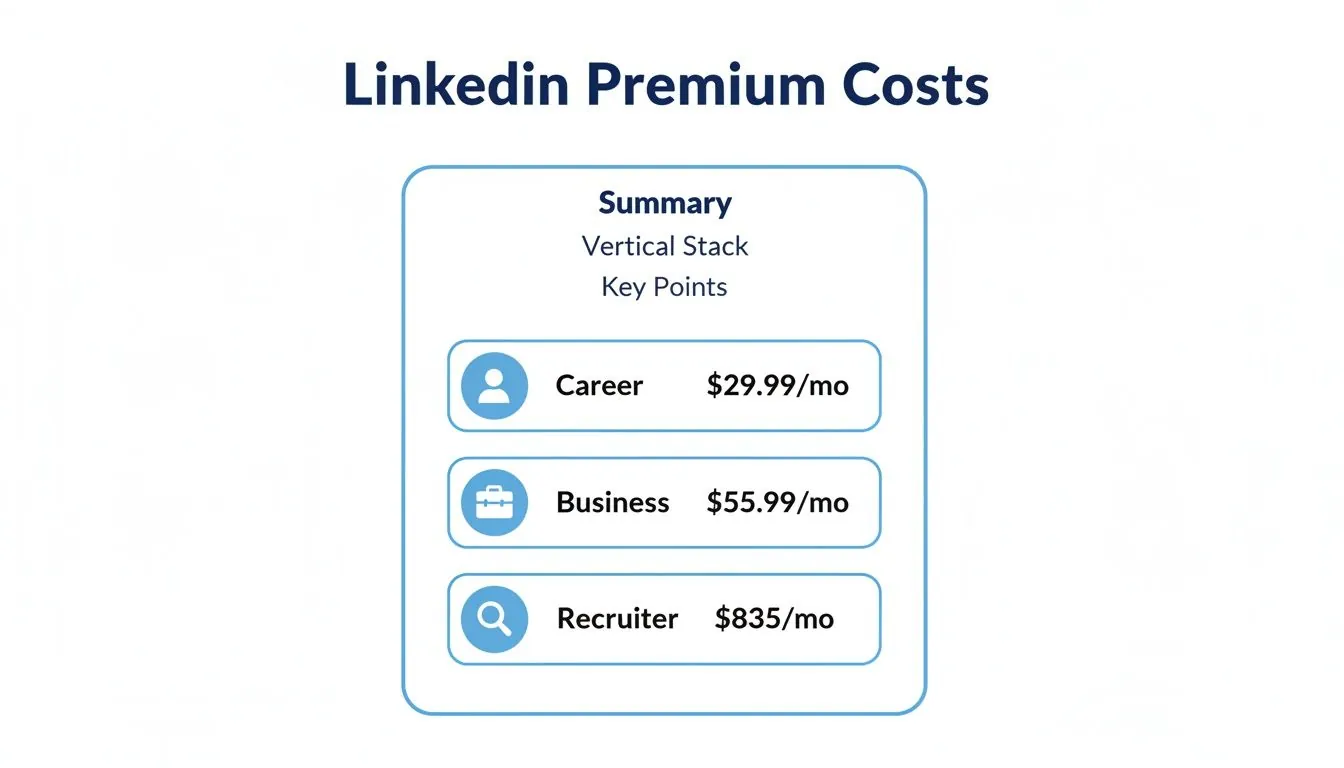
As you can see, the jump from the general purpose Career and Business plans to the specialized Recruiter Lite and Sales Navigator tiers is substantial. This highlights how valuable LinkedIn's targeted search filters and outreach tools are for professionals in those fields.
To give you a clearer picture, here’s a side by side comparison of the main LinkedIn Premium plans, their costs, and who they're really designed for.
2026 LinkedIn Premium Plan Costs and Features
| Plan | Monthly Cost (USD) | Annual Cost (USD) | Key Features | Best For |
|---|---|---|---|---|
| Premium Career | $39.99 | ~$320 (Est. 25% off) | 5 InMail messages, see who viewed your profile, applicant insights, access to LinkedIn Learning. | Job Seekers looking to stand out to recruiters and land their next role faster. |
| Premium Business | $69.99 | ~$670 (Est. 20% off) | 15 InMail messages, unlimited people browsing, more company insights, LinkedIn Learning. | Professionals focused on networking, brand building, and finding business partners. |
| Sales Navigator | $99.99 (Core) | ~$950 (Est. 20% off) | 50 InMail messages, advanced lead/account search, lead recommendations, CRM integration. | Sales Professionals who need to find, track, and engage with qualified B2B leads. |
| Recruiter Lite | $170.00 | ~$1,680 (Est. 20% off) | 30 InMail messages, advanced search filters, smart suggestions, hiring pipeline management. | Recruiters & HR Managers in small to medium businesses who are actively hiring. |
The annual payment option usually comes with a discount of around 20 to 25%, so if you're committed to using the service for a full year, it’s a great way to save.
Ultimately, figuring out if the cost of LinkedIn Premium is justified comes down to a simple ROI calculation. Will the features in a given plan help you achieve your goals (like landing a job, generating leads, or finding candidates) more efficiently than the free version? If the answer is yes, then it’s probably a solid investment in your career or business.
Breaking Down the Four Tiers of LinkedIn Premium
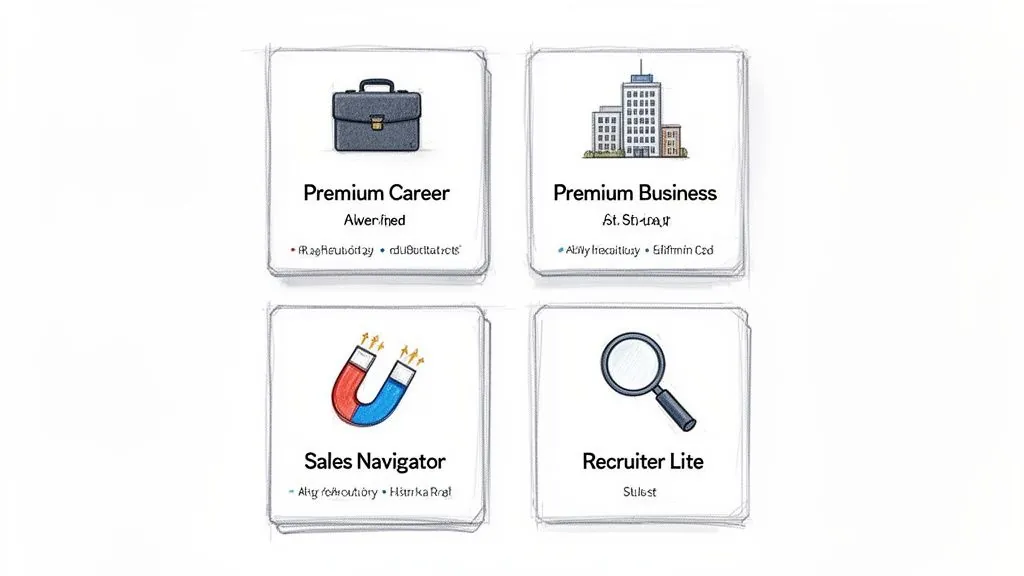
When you hear LinkedIn Premium, it's not a one size fits all subscription. LinkedIn actually splits its paid offerings into four distinct plans, each tailored to a specific professional goal. The key is to figure out what you want to accomplish on the platform and then match your needs to the right plan.
If you're actively hunting for a new job, Premium Career is built for you. Think of it as your secret weapon in a crowded applicant pool. It gives you valuable insights on other applicants, lets you see who's been checking out your profile, and provides a few monthly InMail credits to reach out directly to hiring managers.
Premium Career vs. Premium Business
While Premium Career is all about getting hired, Premium Business is geared toward professionals who want to grow their network and establish their personal brand. It's a step up, offering more InMail credits, unlimited profile browsing for deeper research, and company insights you can't get with the free or Career plan.
The price reflects this jump in features. Premium Career starts at $39.99/month, but you can bring that down to an effective $29.99 a month if you pay annually. On the other hand, Premium Business is $69.99/month, aimed at serious networkers who need those extra tools. You can find a deeper analysis in this breakdown of LinkedIn plan types.
Sales Navigator Core and Recruiter Lite
For professionals with highly specialized needs, LinkedIn has two powerful, and pricier, options.
Sales Navigator Core is the standard for anyone in sales or focused on B2B lead generation. It’s less about general networking and more about finding and connecting with the right prospects. Its best features include:
- Advanced search filters to pinpoint your ideal customer profile with incredible precision.
- Automated lead recommendations that serve up new prospects.
- A generous 50 InMail credits per month for outreach campaigns.
Finally, Recruiter Lite is designed specifically for talent acquisition professionals. It equips recruiters and HR managers with the tools to find, manage, and contact potential candidates, helping them build and track talent pipelines effectively.
Understanding which of these high end tools is right for you is critical, as they represent a significant investment and are built for very different outcomes.
How Annual Payments Can Maximize Your Savings
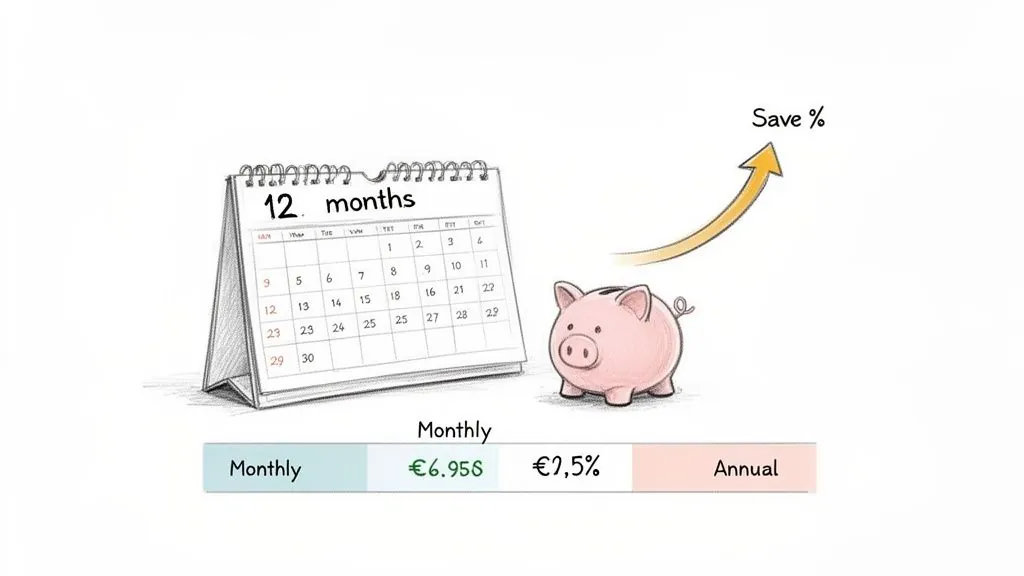
While paying for LinkedIn Premium month to month gives you flexibility, the smartest way to cut costs is by committing to an annual plan. It's a straightforward trade: you pay for the year upfront, and LinkedIn gives you a pretty hefty discount. This is a no brainer for anyone who's serious about using the platform for their business or career.
The savings really do add up across all the different subscription tiers. Just look at the Premium Business plan. Paying monthly will set you back $69.99. But if you opt for the annual payment of $671.88, your effective monthly cost drops to just $55.99. That’s a 20% savings, which keeps $167.88 in your pocket over the year.
Calculating Your Annual Savings
Depending on the specific plan you choose, the discount for paying annually usually lands somewhere between 20% and 30%. For power users like recruiters, sales pros, and consultants, those savings directly boost the ROI you get from Premium's advanced tools. If you're trying to weigh the different options, this detailed LinkedIn Premium Business features comparison is a great resource.
Pro Tip: Always start with the one month free trial before locking into an annual plan. Really put the features through their paces to see if they make a real difference for you. This way, you’re not guessing; you’re making a decision based on actual results.
For example, a sales professional can use the trial month to see if Sales Navigator genuinely helps them find better leads than their old methods. If the answer is a clear "yes" after 30 days, grabbing that annual discount is a solid financial move. You secure the tools you need for a full year at the lowest possible price.
Calculating the ROI for Your Specific Role
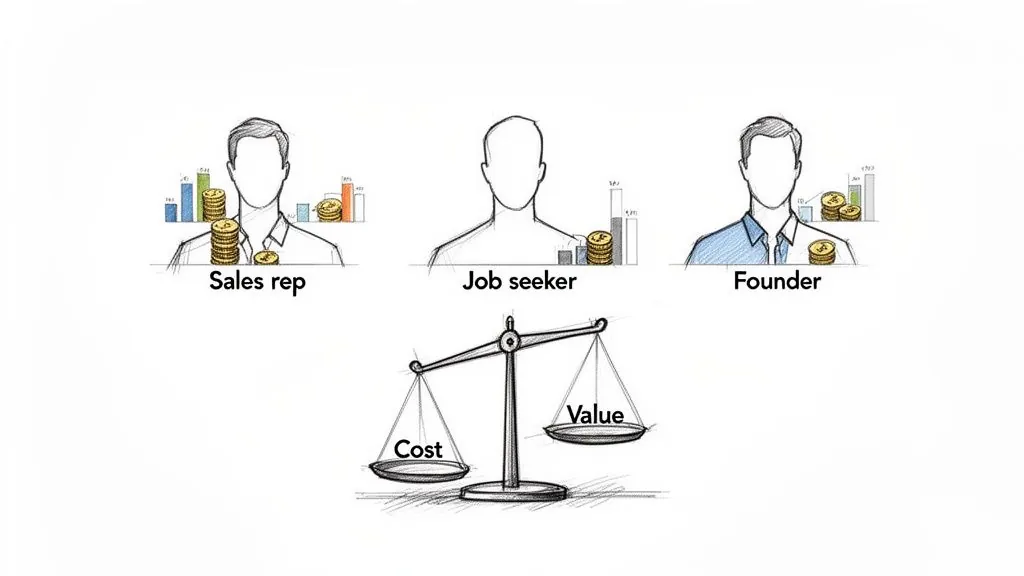
Thinking about the LinkedIn Premium cost is less about the monthly fee and more about what you get back. The real value isn't on the price tag; it's in the return on your investment (ROI). But what "worth it" means really depends on what you do for a living.
For a sales representative or a founder, the math is refreshingly simple. If Sales Navigator sets you back $99.99 per month, you just need to close a single deal that came from the platform to pay for the whole year. Honestly, that’s the entire point, the advanced search filters and extra InMails are built to help you find and talk to high value prospects, making that return easy to see.
ROI for Job Seekers and Consultants
If you’re on the job hunt, the return is all about time and opportunity. Premium Career's tools, like seeing who’s viewed your profile or getting insights on other applicants, are designed to shave weeks off your search.
Think about it: If a $39.99 subscription helps you land a new role just one week faster, you've already come out way ahead. For someone with an $80,000 salary, a single week's pay is over $1,500. That makes the subscription cost seem tiny in comparison.
For consultants and small business owners, the ROI comes from building your brand and making the right connections. Using a plan like Premium Business to establish your expertise and network with potential partners can directly lead to new contracts and valuable collaborations.
- InMail Credits: Sometimes, the only thing standing between you and a new client is a closed door. InMail lets you bypass the gatekeepers. If you want to get the most out of this, check out our guide on how to get unlimited InMails on LinkedIn.
- Company Insights: Knowing a company's growth trends or hiring patterns before you even reach out allows you to frame your pitch perfectly.
- Unlimited Browsing: Being able to research as many potential clients as you want without hitting a limit is a serious competitive advantage.
Knowing When to Use a Free Account Instead
Before you pull out your credit card, it's worth asking a crucial question: do you really need to pay for LinkedIn Premium? For a huge number of professionals, the free account is more than enough to maintain a polished presence, network with existing contacts, and casually browse for new roles.
Honestly, the standard free account is packed with features. You can build a complete profile, send connection requests, and interact with everything in your feed. You can also apply for jobs and join industry groups. If your main goal is to have a digital resume and stay connected with colleagues, the free version has everything you need without the monthly bill.
"If you can’t drive your family car well, why would you buy a Ferrari? Most people aren’t getting the best from their free account, so it would be a waste for them to upgrade to Premium.": John Espirian, LinkedIn Trainer
When the Free Version Reaches Its Limits
So, when does it make sense to upgrade? The answer is simple: you should only consider paying when you consistently hit the walls of the free service. These limitations are your cue that your activity has outgrown the basic plan.
An upgrade is a smart move if you:
- Frequently hit search limits: If you're a recruiter, salesperson, or founder constantly searching for new contacts, you'll eventually run into the commercial use limit. This is LinkedIn’s polite way of saying it's time to move to a paid plan.
- Need to contact people outside your network: The free account is designed for connecting with people you might know. If you regularly need to reach hiring managers or sales prospects directly, the monthly InMail credits that come with a Premium subscription are essential.
- Want deeper insights: Curious about who's looking at your profile? The free version only gives you a small peek at your most recent viewers, whereas Premium unlocks the full 90 day list, which can be gold for job seekers and lead generation.
Here's the bottom line: don't pay for features you won't use. Get the absolute most out of the free tools first. Only think about the LinkedIn Premium cost when your professional ambitions clearly demand more than the free account can deliver.
A Smarter Alternative for Lead Generation
Paying the LinkedIn Premium cost for a tool like Sales Navigator is a common first step for lead generation. But let's be honest, it still leaves you doing the heavy lifting, manually searching for prospects and sending InMails day in and day out. For busy founders and sales teams, there's a far more efficient way to get in front of prospects: automated engagement.
Instead of you hunting for leads, this strategy brings the right leads directly to you. It works by using smart platforms like PowerIn to post relevant, human sounding comments on high traffic posts across LinkedIn. This puts your profile in the spotlight, driving inbound interest from your target audience 24/7.
This isn't about blasting generic, spammy replies. It’s a targeted approach. You simply define the keywords and influential people in your niche, and the AI takes over, engaging in real conversations on your behalf.
Scale Your Outreach Without Scaling Your Costs
Manual outreach simply doesn't scale. You can sink hours into searching profiles and writing messages, often with little to show for it. Automated engagement, on the other hand, works tirelessly in the background to build your authority and presence.
Think of it this way: you’re positioned as an active, insightful voice in your industry. By consistently showing up in the right conversations, you build real credibility and pull in profile visits from people already looking for your exact expertise.
For instance, a marketing consultant could set their AI tool to comment on popular posts mentioning "B2B lead generation." This instantly puts their name and expertise in front of an ideal audience, sparking curiosity and generating warm leads without the high LinkedIn Premium cost.
- Consistent Visibility: Your profile appears in relevant, high value discussions every single day, which is fantastic for brand recognition.
- Time Efficiency: You get back hours of your day. Instead of prospecting, you can focus on nurturing warm leads and closing deals.
- Cost Effectiveness: It provides a scalable lead generation engine for a fraction of what you'd spend on a Sales Navigator subscription.
It's always wise to weigh your options for lead generation. To get a better sense of the market, you can check out Redact AI's pricing plans and see how different platforms compare. If you're curious how this strategy works alongside premium tools, you can read our guide on the price and features of LinkedIn Sales Navigator for Teams. This makes automated engagement a powerful supplement, or even a full replacement, for more expensive, manual methods.
Frequently Asked Questions About LinkedIn Premium
Thinking about upgrading to LinkedIn Premium? It’s a big step, and it's natural to have questions about the cost, the features, and whether it’s truly worth it. Let's clear up some of the most common ones.
Is there a LinkedIn Premium family plan?
No. LinkedIn doesn't offer a family plan or a way to share one Premium subscription between people, so each person needs their own plan. Companies can buy several seats of Sales Navigator or Recruiter through LinkedIn instead, which is the closest thing to a group deal.
Can You Get a Discount on LinkedIn Premium?
Yes, you can, but LinkedIn doesn't make it easy. The most straightforward way to lower your LinkedIn Premium cost is to opt for an annual plan. This usually knocks off 20 to 30% compared to paying month to month.
Some people also get a surprise discount offer when they go to cancel their subscription, but don't count on it: this isn't a consistent perk. It’s also smart to watch for special promotions. For instance, a past partnership with Microsoft gave eligible students a free year of both Microsoft 365 and LinkedIn Premium Career. Deals like that pop up occasionally.
What Happens When You Cancel a Subscription?
When you cancel, you don't lose your Premium access right away. You can still use all the paid features until your current billing period ends.
Once the cycle is over, your account simply reverts to the standard, free version. All your connections, profile details, and past posts will still be there. You'll just lose access to perks like InMail credits, the full list of who’s viewed your profile, and your LinkedIn Learning courses.
Is Sales Navigator Better Than Premium Business for Sales?
For anyone serious about sales, Sales Navigator isn't just better: it's the only real option. Premium Business is a good general networking tool with its 15 InMails and company insights, but it's not built for prospecting.
Sales Navigator, on the other hand, is a dedicated sales platform. You get 50 InMails per month, incredibly detailed lead and account search filters, smart lead recommendations, and even CRM integration. These are the tools you need to build a predictable sales pipeline, which Premium Business just can't match.
Can I Switch Between Different Premium Plans?
Absolutely. You can upgrade or downgrade your plan anytime right from your account settings.
If you upgrade, the new features are usually available immediately, and you’ll be charged a prorated amount for the current billing cycle. If you decide to downgrade, the change will happen at the start of your next billing cycle, so you get to keep your current plan's features until then.
Ready to drive consistent leads without the high LinkedIn Premium cost? PowerIn automates high quality engagement on LinkedIn, putting your brand in front of prospects 24/7. Start your free trial today and discover a smarter way to scale your outreach.