Why LinkedIn Automation Is No Longer Optional
With over 1 billion members and the highest B2B conversion rate of any social platform, LinkedIn has become the go to channel for professionals, founders, and sales teams. But showing up consistently, commenting, connecting, messaging, publishing; takes hours every week.
That's where LinkedIn automation tools come in.
Whether you want to auto send connection requests, run drip campaigns, or grow your visibility through automated comments, there's a tool for every use case. In this article, we break down the best automation tools on LinkedIn in 2025, what they do best, and who they're for.
What to Look for in a LinkedIn Automation Tool
Before diving into the list, here are the criteria we used to evaluate each tool:
- Safety. Does it mimic human behavior to avoid LinkedIn bans?
- Features. What actions can it automate (comments, DMs, connections, content)?
- Ease of use. Is it beginner friendly or does it require technical setup?
- Pricing: What's the value for money?
- Use case fit. Is it built for lead gen, brand building, or both?
The 8 Best LinkedIn Automation Tools in 2026
1. 🥇 PowerIn: Best for Growing Your LinkedIn Audience Through Comments
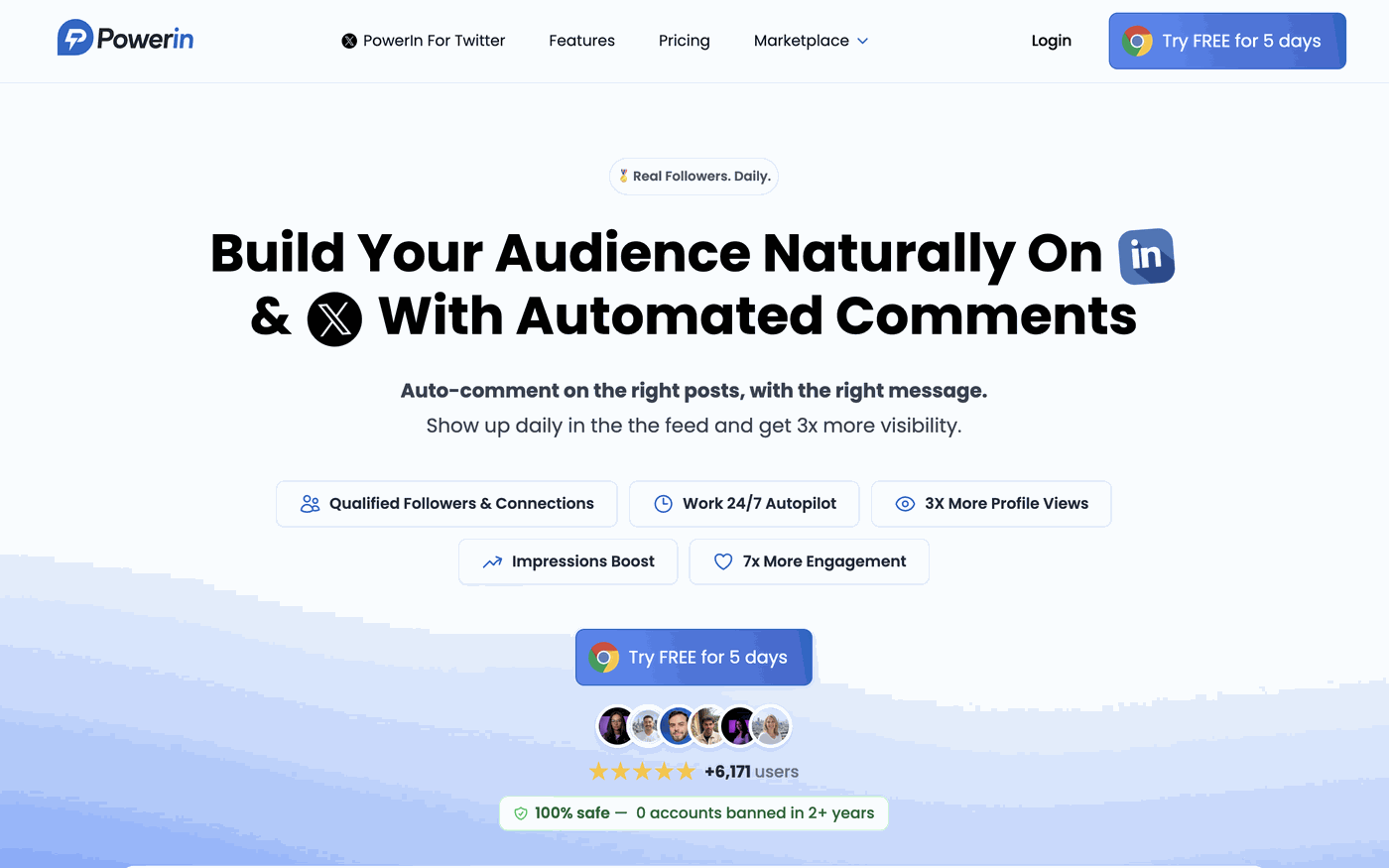
Best for: Content creators, founders, and sales reps who want to build visibility and generate inbound leads
If most LinkedIn automation tools focus on outbound (cold messages, connection requests), PowerIn takes a smarter, less intrusive approach: automated AI powered comments.
The idea is simple but powerful. Instead of spamming people's inboxes, PowerIn lets you automatically comment on posts from your target audience, influencers in your niche, or potential prospects: using relevant, AI generated replies that sound genuinely human.
Why this works as an indirect prospecting strategy:
Commenting on someone's post is the perfect icebreaker. It creates a first touchpoint without any pressure. The person sees your name, reads your thoughtful comment, and might click on your profile, or even reach out to you. It's warm prospecting before any DM is ever sent.
This is particularly effective for:
- Sales reps who want to stay top of mind with prospects before cold outreach
- Founders who want to grow their personal brand in a target niche
- Marketers who want to build authority by engaging consistently with industry content
Key features:
- AI generated comments tailored to each post's context
- Target specific profiles, hashtags, or industries
- Comment scheduling and frequency controls
- Safe automation that stays within LinkedIn's limits
Pricing: Starts at $19/monthFree trial: Yes
💡 Pro tip: Use PowerIn to warm up prospects for 2 to 3 weeks before sending a connection request or DM. Your outreach will feel much less cold.
2. Waalaxy: Best for LinkedIn Outreach Sequences
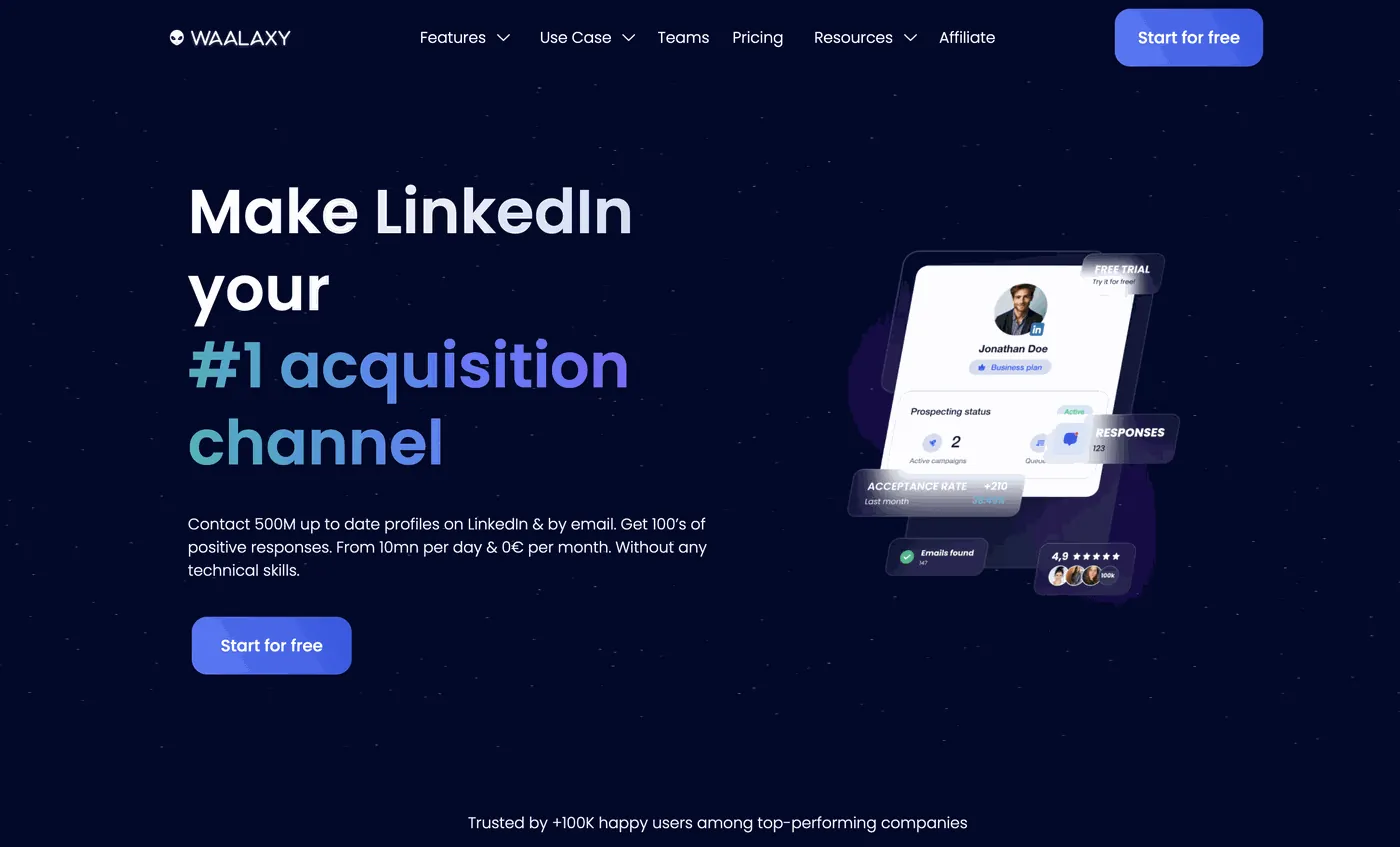
Best for: Sales teams and recruiters doing cold outreach at scale
Waalaxy (formerly ProspectIn) is one of the most popular LinkedIn automation tools for multi step outreach campaigns. It lets you combine LinkedIn actions (visit, connect, message) with email follow ups in a single automated sequence.
It's cloud based, which means it works even when your computer is off, a big plus for safety and reliability compared to browser extensions.
Key features:
- Automated connection requests with personalized notes
- Multi channel sequences (LinkedIn + email)
- CRM like inbox management
- A/B testing for messages
- Import leads from LinkedIn Sales Navigator or CSV
Best use case: You have a list of prospects and want to systematically reach out, follow up, and track replies without lifting a finger.
Pricing: Free plan available (limited). Paid plans from ~$40/month.
3. Expandi: Best for Safe, Cloud Based Outreach
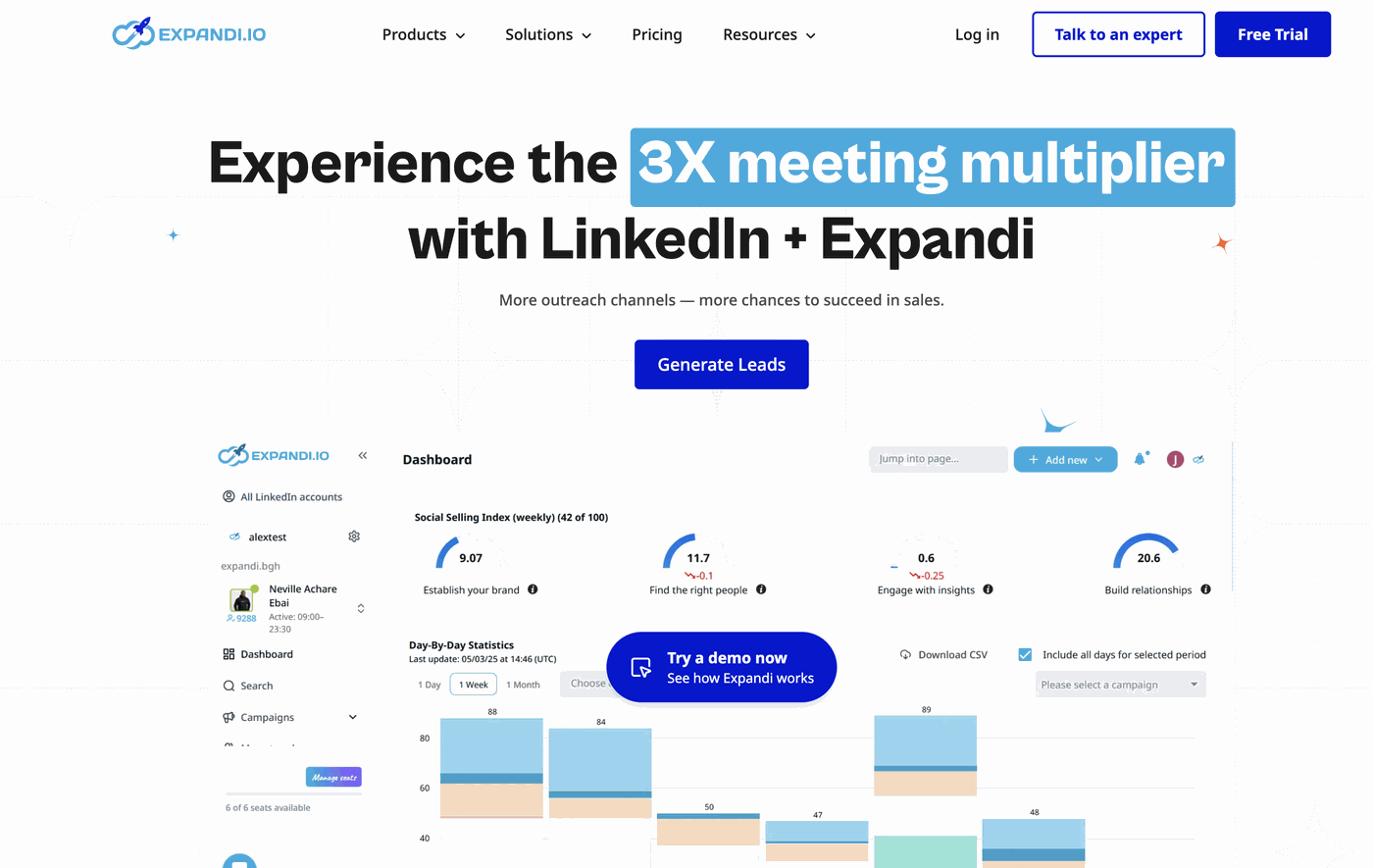
Best for: Agencies and growth hackers running multiple LinkedIn accounts
Expandi is a cloud based LinkedIn automation tool known for its advanced safety features and hyper personalization capabilities. It's particularly popular among agencies managing outreach for multiple clients.
Key features:
- Smart sequences with conditional logic (if/else steps)
- Dynamic personalization using images and GIFs
- Dedicated IP per account to reduce ban risk
- Webhook and Zapier integrations
- LinkedIn InMail automation
Best use case: You need enterprise level outreach with strong deliverability and personalization at scale.
Pricing: From $99/month per seat.
4. Dux-Soup: Best Browser Based Tool for Beginners
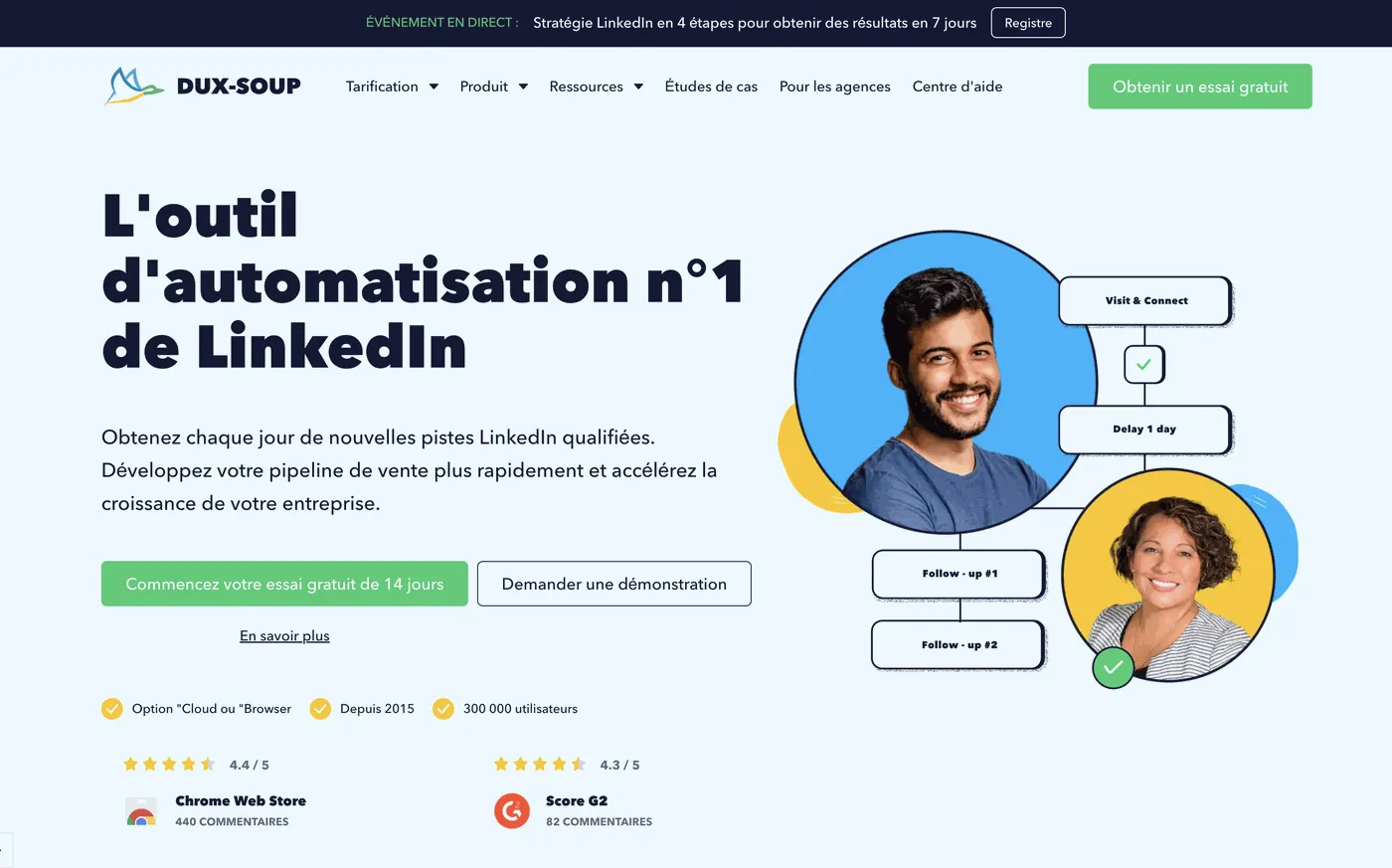
Best for: Solo professionals and small businesses just getting started with LinkedIn automation
Dux-Soup is one of the oldest LinkedIn automation tools on the market. It's a Chrome extension that lets you visit profiles, endorse skills, send connection requests, and message prospects automatically.
While it's not as sophisticated as cloud based tools, it's very beginner friendly and gets the job done for basic use cases.
Key features:
- Auto visit and auto connect workflows
- Profile data scraping
- Simple drip messaging campaigns
- HubSpot and Pipedrive integrations
Best use case: You're new to LinkedIn automation and want a simple, low cost way to test the waters.
Pricing: Free plan available. Paid from $14.99/month.
5. MeetAlfred: Best for Multi Channel Campaigns
Best for: B2B sales teams combining LinkedIn, email, and Twitter outreach
MeetAlfred (formerly Leonard) is a multi channel sales engagement platform that supports LinkedIn, email, and Twitter in a single workflow. It's ideal for teams that need a unified outreach system across channels.
Key features:
- LinkedIn + email + Twitter sequences
- Team collaboration features
- CRM integrations (Salesforce, HubSpot)
- Campaign analytics and reporting
- Built in LinkedIn content scheduler
Best use case: You run a sales team and want everyone operating from the same playbook across multiple channels.
Pricing: From $59/month per user.
6. PhantomBuster: Best for Data Extraction & Custom Workflows
Best for: Growth hackers, developers, and marketers who need maximum flexibility
PhantomBuster is a no code automation platform that offers dozens of prebuilt LinkedIn "phantoms" (automated scripts) for scraping, connecting, messaging, and more. It's highly flexible and integrates with almost any tool via API or Zapier.
Key features:
- LinkedIn profile and post scraper
- Auto connect and message sender
- Sales Navigator scraper
- Google Sheets and Airtable integrations
- API access for custom workflows
Best use case: You need to extract large amounts of LinkedIn data or build a custom automation workflow that no other tool supports out of the box.
Pricing: Free plan (limited minutes). Paid from $56/month.
7. Lempod: Best for LinkedIn Post Engagement Pods
Best for: Content creators and marketers who want to boost the reach of their LinkedIn posts
Lempod is a LinkedIn engagement pod tool that automatically engages with your posts (likes, comments) through a network of other members. When your post gets early engagement, LinkedIn's algorithm pushes it to a wider audience.
Key features:
- Automated likes and comments on your posts
- Industry specific pod communities
- Scheduling engagement for new posts
- Analytics on post reach
Best use case: You publish LinkedIn content regularly and want to maximize organic reach by triggering the algorithm with early engagement.
Pricing: From $9.99/pod per month.
8. LinkedHelper 2: Best for Power Users Who Want Full Control
Best for: Advanced users who want granular control over every automation action
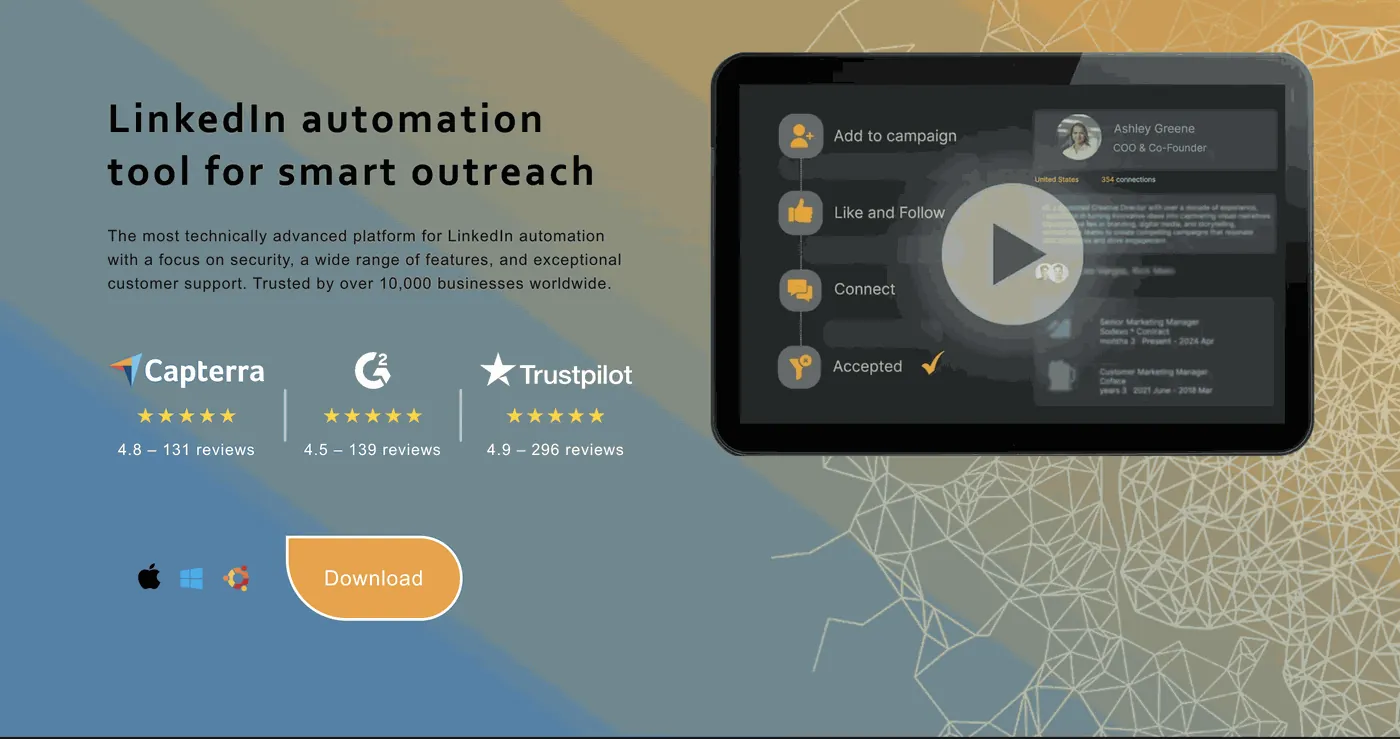
LinkedHelper 2 is a desktop application that offers an impressive range of LinkedIn automation features with deep customization options. It's more technical than most tools, but gives you full control over every workflow.
Key features:
- Auto invite, message, and endorse workflows
- Smart filtering by industry, title, and location
- CRM with tags and pipeline management
- Auto reply to messages
- Works with LinkedIn Free, Premium, and Sales Navigator
Best use case: You want total control over your LinkedIn automation without paying for an expensive cloud based solution.
Pricing: From $15/month.
Quick Comparison Table
Which LinkedIn Automation Tool Should You Use?
The right tool depends entirely on your goal:
- Want to grow your personal brand and generate inbound leads? → Start with PowerIn. Automated comments are the most natural, low risk way to build visibility and warm up prospects before any direct outreach.
- Running cold outreach campaigns? → Waalaxy or Expandi are your best options depending on budget.
- Need data or flexibility? → PhantomBuster is unmatched for custom workflows.
- Publishing content regularly? → Combine PowerIn (for engagement) with Lempod (for reach).
Final Thoughts
LinkedIn automation in 2025 isn't about blasting cold messages anymore, the platform has cracked down hard on that, and users have become immune to generic outreach.
The most effective strategy is to show up consistently in your target audience's feed through valuable comments, then let the algorithm and natural curiosity do the rest.
That's exactly why tools like PowerIn are growing fast: they automate the most human form of LinkedIn engagement (commenting) in a way that builds real relationships at scale.
Whether you're a founder, a sales rep, or a marketer, there's no better time to leverage LinkedIn automation: as long as you do it smartly.